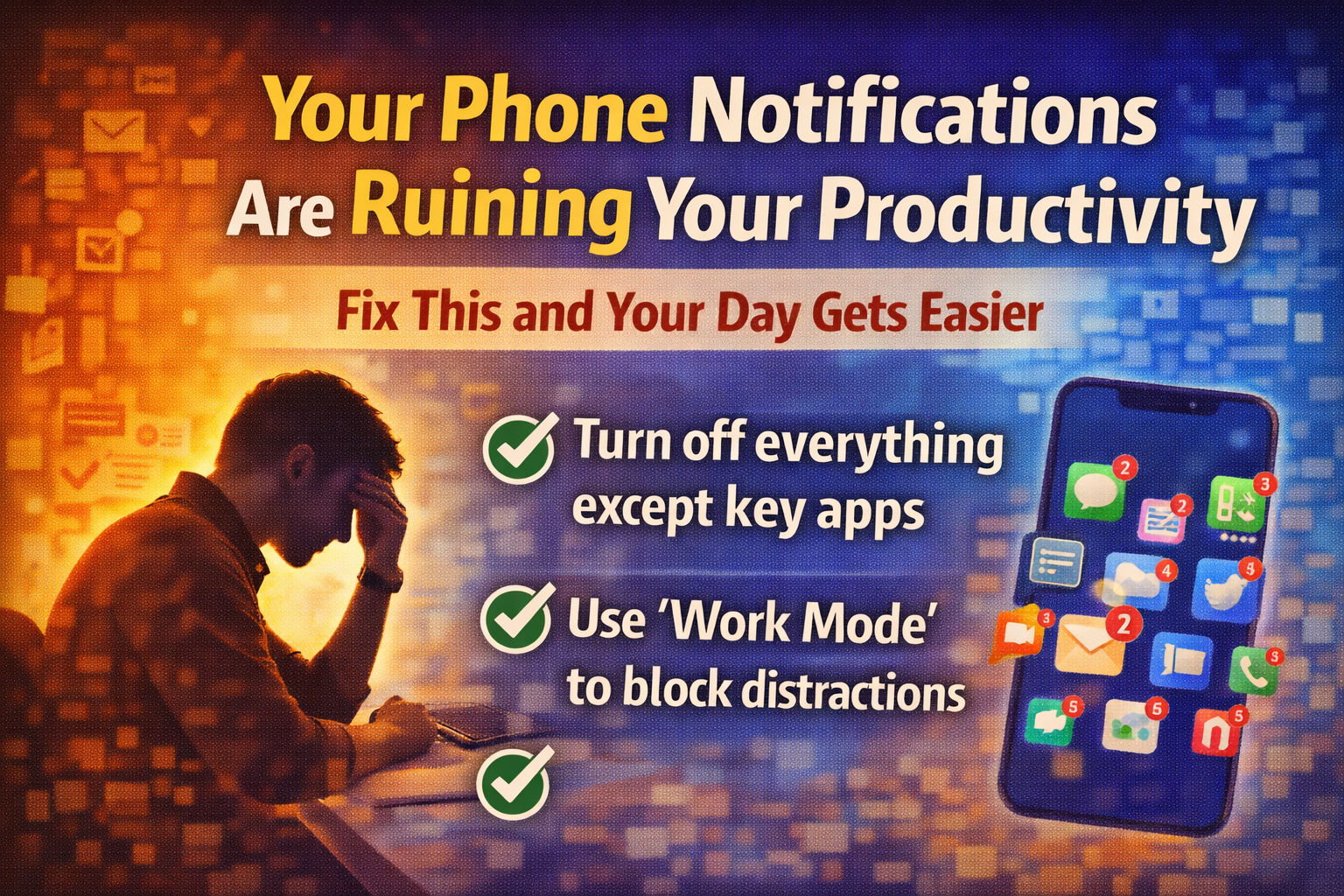
Your Phone Notifications Are Ruining Your Productivity (Fix This and Your Day Gets Easier)
Introduction
Most people think their productivity problem is motivation.
In reality, it's often something simpler: your attention is being attacked all day.
Phone notifications are small interruptions, but they create a huge hidden cost:
- broken focus
- constant task switching
- mental fatigue
- slower work
- more mistakes
- more procrastination
Even if you "don't check your phone," the notification still pulls a thread in your brain: "What was that? Should I respond? Is it urgent?"
That's attention leakage.
Why notifications are so damaging (even the "small" ones)
1. They reset your mental state
Deep work requires a warm-up. Notifications force constant "restarts."
2. They train reactive behavior
Your day becomes a series of reactions instead of planned execution.
3. They create decision fatigue
Every ping is a micro-decision: ignore? respond? later? now?
4. They increase stress
Because your brain stays in "open loop" mode all day.
The simple rule: notifications should be rare and meaningful
If everything notifies you, nothing is important.
The goal isn't to become unreachable. The goal is to stop your phone from running your day.
The Productivity Fix (Practical, Not Extreme)
1) Keep notifications only for truly important apps
Most people can keep just 2–4:
Examples of "allowed" notifications:
- phone calls (or favorites only)
- messages from family/critical contacts
- calendar reminders
- banking/security alerts (optional)
Examples to turn off:
- social media
- news
- random app "updates"
- marketing emails
- shopping apps
- games
Your phone should not be a casino.
2) Use Work Mode / Focus Mode during work hours
This is the best solution because it removes temptation automatically.
Work Mode setup:
- schedule it for work hours (ex: 09:00–13:00, 14:00–18:00)
- allow only emergency contacts
- allow calendar alerts
- block everything else
This creates a clean "work environment" without needing willpower.
3) Batch communication instead of constant checking
Instead of checking 50 times per day, check 2–3 times.
Example schedule:
- 11:30 quick check
- 16:30 quick check
- end of day if needed
Your productivity improves instantly because your brain stays in one mode.
4) Turn off visual noise too (not just sound)
Even silent notifications still distract you.
Turn off:
- lock screen notifications
- badges (red dots)
- banners
If you don't see it, you don't think about it.
5) Add one "emergency path" so you feel safe
People resist turning off notifications because they fear missing something important.
Solution:
- allow calls from favorites
- allow repeated calls to come through (most phones support this)
- tell key people: "Call twice if urgent"
Now you can focus without anxiety.
The Result: your brain stops being in reaction mode
After a few days with fewer notifications, you'll notice:
- work feels calmer
- focus lasts longer
- you finish tasks faster
- you procrastinate less
- your day feels more under control
Because your brain is no longer constantly interrupted.
A simple 2026 rule to adopt
In 2026, my phone will not interrupt my work.
If you do just that one thing, your productivity improves more than most new tools or routines.
Conclusion
Phone notifications destroy productivity through constant attention leakage—even if you don't actively check your phone, the mental interruption costs you focus, speed, and energy.
The fix is simple but effective:
- Keep only 2–4 essential notification types
- Use Focus Mode during work hours
- Batch communication 2–3 times per day
- Turn off visual distractions (badges, banners)
- Create one emergency path for peace of mind
This isn't about being unreachable—it's about protecting your attention so your brain can actually finish what you started.
One rule for 2026: your phone doesn't interrupt your work. That single change improves productivity more than any app or technique.

AI Powered Task Manager
Plan smarter, execute faster, achieve more
Create tasks in seconds, generate AI-powered plans, and review progress with intelligent summaries. Perfect for individuals and teams who want to stay organized without complexity.
Get started with your preferred account