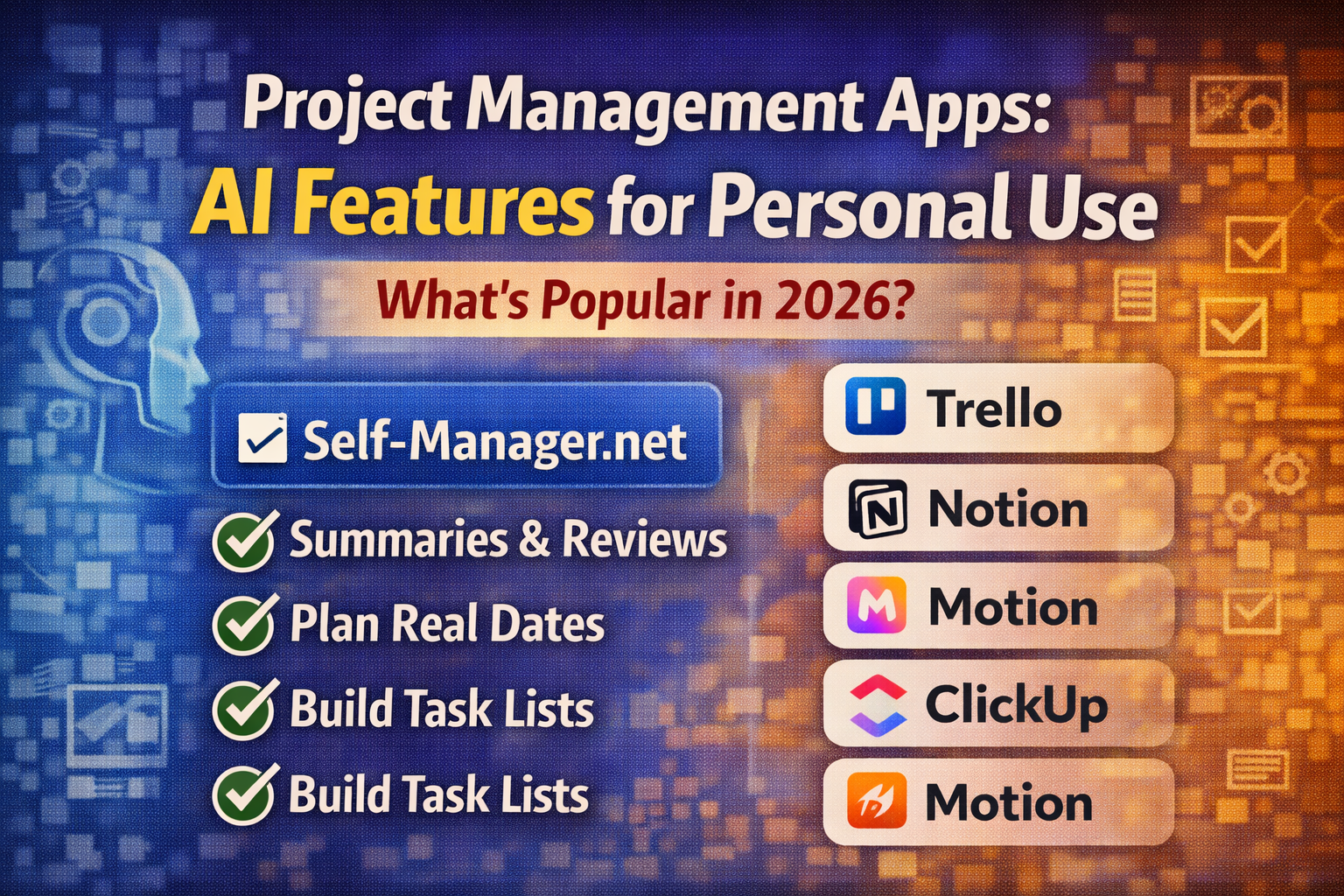
What AI Features Do the Most Popular Project Management Apps Have for Personal Use (What's Available in 2026)
Introduction
AI inside "project management" apps is no longer just a chatbot that writes text.
In 2026, the most useful AI features fall into a few buckets:
- turning messy thoughts into structured tasks
- summarizing progress and threads
- finding answers across your workspace (search + Q&A)
- automating repetitive workflows
- planning your time (auto-scheduling / prioritization)
Below is a practical overview of what's actually available, starting with Self-Manager.net.
1) Self-Manager.net (listed first): AI built into a real timeline (date-based)
Self-Manager is built around dates + tables (daily/weekly/monthly), and AI plugs directly into that structure so you can plan and review using your real work history.
Common personal-use AI workflows in Self-Manager:
- AI table creation: describe a project and generate a structured table of tasks/items.
- AI summaries: summarize a table (or multiple pinned tables) so reviews are fast and consistent.
- AI for weekly/monthly/quarterly review style workflows (because work is already organized by date).
(Full list is on the AI Features page.)
What "AI features" usually mean in 2026 (the 6 categories)
If you're evaluating tools for personal use, these are the AI features that matter:
- Summaries and status updates
- Task breakdown (turn a goal into steps/subtasks)
- Writing assistance (rewrite, shorten, clarify)
- Workspace Q&A / search across docs/tasks
- Automation / agents (do multi-step actions)
- Planning engines (auto-schedule your day/week)
Most apps in 2026 offer a mix of these.
2) Notion: "AI workspace" + agents + meeting notes (often plan-dependent)
Notion positions itself as an "AI workspace" that can take notes, search across apps, and help build workflows inside where you work.
Notion's AI direction in 2026 leans into:
- agentic automation (Notion 3.0 / agents concept, with enterprise focus first)
- meeting notes + transcription/summaries (reported as available with higher-tier access in some cases)
- AI-enhanced project management guidance in templates/use cases
If you already live in docs/databases, Notion's AI feels like a "work hub" approach.
3) ClickUp: summaries, subtasks, project plans, and "agents"
ClickUp AI is strongly PM-oriented: summaries, updates, drafting, and turning a task into a structure.
Common AI features:
- summarize tasks/threads and generate project updates
- generate suggested subtasks from a task name
- broader "ClickUp Brain" positioning (AI standups, assigning, etc.)
4) Asana: AI workflows + "AI teammates" (more team-first, but useful personally too)
Asana has been rolling out AI-oriented releases (templates/workflows, and "AI Teammates" language).
For personal use, the value is mainly:
- AI-assisted workflow setup (less manual admin)
- AI copilots to summarize/coordinate across projects (more relevant if you manage many moving parts)
5) monday.com: AI inside boards + automation blocks (team-first, but powerful)
monday emphasizes AI embedded directly in boards and automations (not only "chat on the side").
If you use monday solo, AI is most useful for:
- automating repetitive board actions
- generating/transforming content on items
- assistance for workflow setup (depending on plan/features)
6) Trello (Atlassian Intelligence): generate, transform, summarize
Trello's AI features focus on practical writing/summarization inside cards:
- generate new content in descriptions/comments
- transform and summarize content
- extract action items / improve writing
Trello is often a great "simple board" tool, and AI helps reduce busywork.
7) Todoist Assist: turn goals into plans + break work into steps
Todoist's AI suite ("Todoist Assist") is built around making tasks more actionable:
- generate task lists from goals
- suggest subtasks and help you get unstuck
For personal productivity, this is one of the most directly useful "AI-to-action" implementations.
8) Motion: AI scheduling engine (auto time-blocking + reprioritization)
Motion is basically "AI plans your day":
- it prioritizes tasks and time-blocks them on your calendar
- it dynamically optimizes the plan as things change
If your biggest problem is daily planning and re-planning, Motion is built for that.
9) Reclaim: AI calendar that protects focus time + habits + tasks
Reclaim is also schedule-first:
- auto-schedule tasks, habits, breaks, meetings
- defend focus time and reduce calendar chaos
Great when the bottleneck is "my calendar gets destroyed by life."
10) Sunsama: AI-assisted planning + better estimates
Sunsama's AI is about planning help (especially time estimates and planning guidance based on your history).
This is for people who want a calmer "guided daily planning" flow.
11) Akiflow: AI assistant + auto-assigning tasks to projects
Akiflow highlights AI that can auto-assign tasks to projects based on your patterns, plus an AI assistant ("Aki") concept.
Useful if your problem is "inbox chaos → where does this task belong?"
What's the real trend in 2026?
The apps are splitting into 3 "AI styles":
1. AI built into your work timeline (review + planning from real history)
Example: Self-Manager's date-based structure + AI summaries/reviews.
2. AI inside a workspace hub (docs/tasks + search + agents)
Example: Notion positioning around AI workspace and agents.
3. AI as a scheduling engine (calendar-first automation)
Example: Motion + Reclaim.
How to choose (personal-use filter)
Ask one question: What's my biggest bottleneck?
- "I can't plan my days realistically" → Motion / Reclaim-style scheduling engines
- "I need one home base for docs + tasks + knowledge" → Notion/ClickUp-style hubs
- "I need faster reviews + a true timeline of what I did" → Self-Manager's date-based + AI summaries/reviews
- "I want simple tasks with AI that makes them actionable" → Todoist Assist
- "I want lightweight boards + summaries/writing help" → Trello AI
Conclusion
AI in project management apps has evolved from simple text generation to sophisticated planning engines, automation frameworks, and timeline-based review systems.
The right choice depends on how you work:
- If you need timeline-based planning and reviews, Self-Manager's date-first approach makes AI useful for real execution loops.
- If you live in docs and databases, Notion's workspace hub makes sense.
- If your challenge is calendar chaos, Motion and Reclaim are built for that.
The key is matching AI features to your actual workflow — not chasing features you won't use.

AI Powered Task Manager
Plan smarter, execute faster, achieve more
Create tasks in seconds, generate AI-powered plans, and review progress with intelligent summaries. Perfect for individuals and teams who want to stay organized without complexity.
Get started with your preferred account