Why Calendar + Tasks Must Live Together (Or You'll Drift)
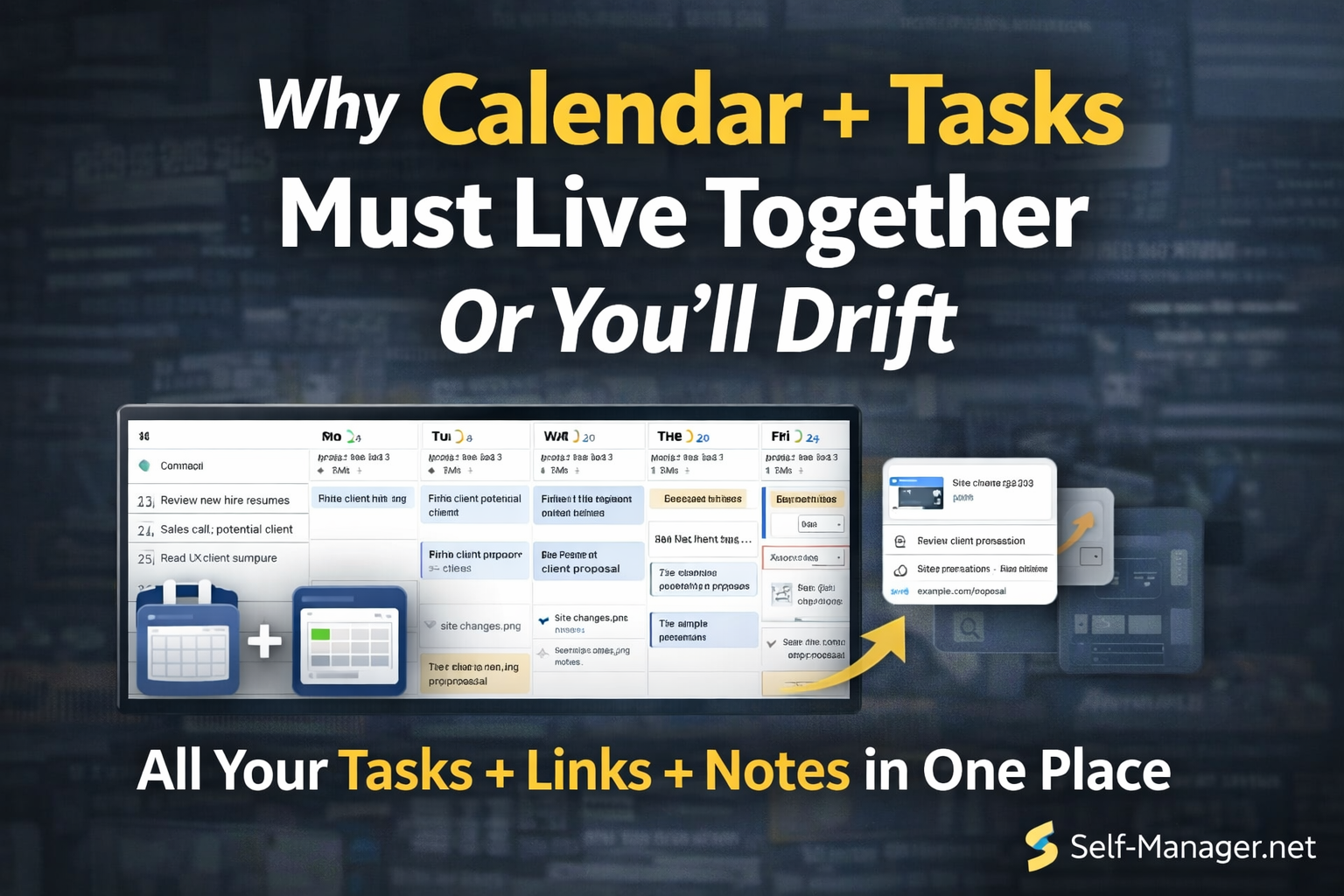
Most productivity systems fail for one simple reason:
They separate what you plan (calendar) from what you need to do (tasks).
So you end up with two worlds:
- your calendar shows meetings and "busy time"
- your task app shows a long list of things you hope you'll do
And the gap between them becomes drift.
Drift is the slow slide into:
- reacting all day
- forgetting what mattered
- pushing tasks forward "tomorrow"
- losing track of what's happening and when
- feeling busy… but not progressing
If you want consistency, your tasks can't live in a different universe than your time.
They have to live together.
The core problem: tasks without time are just wishes
A task list without dates creates a psychological lie:
"I'll do it later."
Later feels infinite.
But your week isn't infinite.
Time is the real constraint, and most apps hide it.
That's why task lists tend to grow faster than they shrink.
When tasks aren't attached to time, you don't feel the cost of them.
The opposite problem: calendar without tasks becomes "meeting jail"
Some people go all-in on calendar blocking.
But if your calendar only shows:
- calls
- meetings
- appointments
…it becomes a record of other people's priorities.
Your real work doesn't appear on the calendar, so it gets squeezed into leftover gaps.
That leads to:
- "I was busy all day"
- "I didn't get anything done"
Because your output work had no time reserved.
Why separating tasks and calendar causes drift
Here's what happens when tasks and calendar are split:
1) No time awareness
Your task app says "do these 12 things."
Your calendar says "you have 3 hours free."
That mismatch creates overload, guilt, and constant rescheduling.
2) No realistic planning
You can't see "what this week actually looks like" at a glance.
So you commit to too much and pay for it later.
3) No review loop
If tasks aren't anchored to dates, you can't look back and answer:
- What did I actually do on Tuesday?
- What moved forward this week?
- What keeps getting postponed?
Without that visibility, you drift.
4) Your life becomes reactive
Your calendar runs your day.
Your tasks become a "someday list."
Your priorities disappear.
The solution: date-based planning (tasks live where time lives)
The fix is simple:
Tasks must live inside the same system that shows time.
Not in a separate list you check "when you remember."
When tasks are tied to dates:
- you see what's coming
- you see what's overloaded
- you see what's neglected
- you make better decisions earlier
This is why date-based planning feels calmer.
It gives you a timeline, not just a pile.
Self-Manager.net: calendar + tasks in one place (with time awareness)
Self-Manager.net is built around a date-based system, which means:
- your tasks live on days, weeks, and months
- you can see what's going on and when
- you stop guessing your schedule
- you build a real plan, not a hopeful list
It's not just "a calendar."
It's a time-aware workspace where tasks and planning coexist.
That's the difference between:
being organized and being aware.
Awareness is what prevents drift.
Why "time awareness" changes everything
When you can see your tasks on a timeline, you naturally start doing better thinking:
You stop overcommitting
You see the week is full before you promise yourself extra work.
You stop forgetting
If it's on a date, it shows up when it matters.
You stop pushing everything to "tomorrow"
Because you can literally see tomorrow is already loaded.
You stop living in reaction mode
You can proactively plan around real time constraints.
It's also a place to store your digital activity
Here's another advantage of date-based planning that most apps miss:
A day isn't just a set of tasks.
A day is:
- decisions you made
- links you used
- key notes you want to remember
- ideas worth saving
- screenshots of important information
- small learnings that help future you
That's why Self-Manager.net isn't only about checking tasks off.
It's also a clean system for capturing your digital life inside the timeline where it happened.
You can store:
- comments on tasks and days (context, decisions, next steps)
- links (articles, docs, videos, resources)
- notes (quick thoughts, meeting points, key takeaways)
- images (screenshots of key points, receipts, planning notes, important visuals)
So instead of your digital life being scattered across:
- browser bookmarks
- random notes apps
- chat messages
- screenshots folder
- "where did I save that?"
…you store it in the day it belongs to.
That's an underrated productivity superpower:
your timeline becomes your memory.
A simple system that doesn't break
If you want a system that sticks, use this loop:
1) Plan weekly (10 minutes)
Pick the 3–5 outcomes that matter this week.
Place tasks on the timeline.
2) Plan daily (2 minutes)
Drag and adjust based on reality.
Keep it realistic.
3) Review weekly (10 minutes)
Look at what got done.
Move what matters.
Delete what doesn't.
The key is: every action happens inside time.
That keeps you honest, and it keeps you moving.
The real reason this works: it reduces mental load
When calendar + tasks are separate, your brain becomes the connector.
You constantly think:
- "When will I do this?"
- "Did I forget something?"
- "What's coming up?"
- "What did I do last week?"
A time-aware system answers those questions automatically.
That frees your brain to execute.
Final thought: drift isn't laziness — it's a system problem
Most people don't fail because they lack motivation.
They fail because their system hides time.
If you want consistent progress in 2026, stop separating planning from doing.
Put calendar + tasks in the same place.
And if you want that system to also store your decisions, links, notes, and screenshots inside the timeline…
Self-Manager.net was built exactly for that.

AI Powered Task Manager
Plan smarter, execute faster, achieve more
Create tasks in seconds, generate AI-powered plans, and review progress with intelligent summaries. Perfect for individuals and teams who want to stay organized without complexity.
Get started with your preferred account