The Productivity Stack in 2026: Popular App Combos People Use (And Why "One Home Base" Is Taking Over)
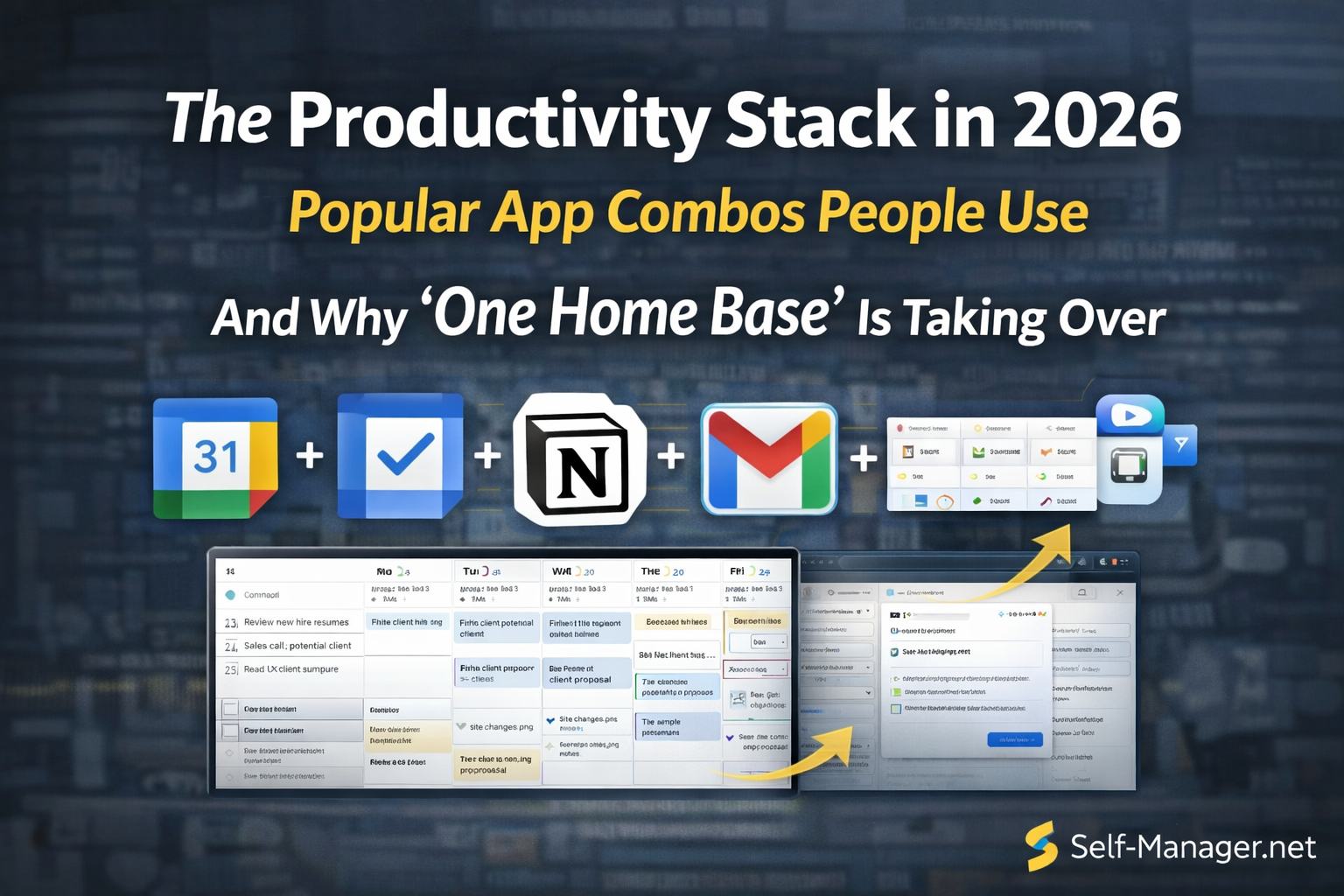
In 2026, most people don't rely on one productivity app.
They rely on a stack — a set of tools that work together.
The problem is: stacks often grow into chaos.
You start with "just two apps"… and end up with:
- a calendar
- a task manager
- notes
- bookmarks
- screenshots
- AI tools
- a habit tracker
- a team chat
…and suddenly your system becomes another job.
That's why a clear trend in 2026 is emerging:
People are moving toward "one home base" that combines multiple functions — and keeping the rest of the stack lightweight.
This article breaks down:
- the most common app combos people use in 2026
- the popular stack templates (by personality/work style)
- where Self-Manager.net fits — and how it can replace multiple tools (including AI)
The 2026 building blocks (what stacks are made of)
Most stacks use the same 6 building blocks:
- Calendar (time awareness)
- Tasks (execution)
- Notes / capture (memory + thinking)
- Projects (structure over weeks/months)
- Files (docs, assets, storage)
- Communication (email + chat)
The real question in 2026 isn't whether you need these.
It's whether you need six separate apps for them.
Popular productivity app combos in 2026 (real-world stacks)
Below are the combinations you'll see everywhere — with the logic behind each one.
Stack 1: Google / Apple "default stack"
This is the most common stack because it's already there.
Google version
- Google Calendar
- Gmail
- Google Keep / Google Docs
- Google Drive
Apple version
- Apple Calendar
- Apple Reminders
- Apple Notes
- iCloud Drive
Why people use it
- minimal setup
- fast and familiar
- good enough for basic workflows
Where it breaks
- tasks and projects become scattered
- weekly/monthly planning gets messy
- it's hard to keep "what happened" and "what to do" in one timeline
Stack 2: Notion as the home base
A very popular "everything in one place" approach.
- Notion (notes, docs, databases)
- Google Calendar (time)
- A lightweight task layer (or Notion tasks)
Why people use it
- flexible and customizable
- good for knowledge + planning
Where it breaks
- can turn into endless organizing
- tasks without dates drift
- planning becomes "building a system" instead of doing the work
Stack 3: Todoist + Google Calendar + notes
Classic modern productivity setup.
- Todoist (tasks)
- Google Calendar (time)
- Apple Notes / Google Keep / Notion (notes)
Why people use it
- quick capture
- strong recurring tasks
- simple daily management
Where it breaks
- tasks and time still feel separate
- notes, links, and screenshots live elsewhere
- your "work memory" gets fragmented
Stack 4: TickTick "all-in-one lite"
TickTick is popular because it combines a lot:
- tasks
- calendar-ish views
- habit tracking
- reminders
Why people use it
- fewer apps
- clean execution tool
Where it breaks
- deeper project planning can feel limited
- storing "digital activity" (links, notes, screenshots by date) is not the main focus
Stack 5: Sunsama / Akiflow / Motion style daily planning
Popular for people who want their day to be "assembled."
- a daily planning app
- Google Calendar
- tasks pulled from other tools
Why people use it
- reduces decision fatigue
- forces time realism
Where it breaks
- can be heavy or expensive for casual users
- still often needs separate notes + project structure
Stack 6: Team stack (work collaboration)
Common in teams, even small ones:
- Slack / Teams (communication)
- Jira / Linear / Asana / ClickUp (projects + tasks)
- Google Calendar (time)
- Notion / Confluence (docs)
Why people use it
- clear ownership
- visibility across people
Where it breaks
- personal planning lives elsewhere
- too heavy for solo work
- context gets lost between tools
The hidden problem: your stack can't remember your life
In 2026, a major pain point is:
People don't just want a place to store tasks.
They want a place to store their activity:
- what they worked on that day
- decisions they made
- links they used
- notes they wrote
- screenshots they captured
- progress they made (or didn't)
Most stacks scatter this across 5 apps.
That's why "timeline-based planning" is getting more popular.
Where Self-Manager.net fits (and what it replaces)
Self-Manager.net is designed to act as a home base that combines multiple parts of a modern stack.
It combines:
- calendar + tasks in one date-based system (time awareness)
- project management for personal projects
- notes + comments tied to the day or task (context)
- links stored where they belong (inside the timeline)
- images like screenshots (your digital key points)
- optional collaboration for teams (when you want it)
And it adds AI in a way that actually fits the workflow
Most "AI productivity apps" bolt a chatbot on top of a generic to-do list.
Self-Manager.net's AI is integrated directly into your real work structure (your tables, tasks, comments, and progress), so it's useful for execution — not just talking.
Here are practical ways the AI fits into your system:
- Turn any text into a to-do list (meeting notes, client emails, brain dumps → clean tasks inside a table)
- Chat with AI about a specific table (priorities, blockers, what to do next, what took time)
- Summarize any table into a quick status update you can copy into an email or message
- Chat with AI across your pinned tables (your most important projects) for a "portfolio" view of your work
- AI Period Summary for any week, mont or quarter (automatic review of what happened, what was completed, what's overdue, and what to improve next)
It also supports two working styles:
- Fast mode when you want speed (quick summaries, quick task extraction)
- Thinking mode when you want deeper analysis (patterns, blockers, strategy, improvements)
So instead of:
a calendar app + a task app + a notes app + a bookmarks mess + a screenshots folder + a separate AI tool
…you can keep the important stuff in one place, organized by when it happened.
That's the key:
your timeline becomes your memory.
And that's what reduces drift.
Popular 2026 "stack templates" by personality type
1) The Minimalist
- one home base
- calendar
- files
Goal: fewer tools, fewer decisions.
2) The Creator / Freelancer
- home base for planning + projects
- notes for ideas + links + screenshots
- calendar for commitments
Goal: manage projects across weeks/months without losing context.
3) The Executive / Manager
- calendar
- meeting notes
- team tool
- personal home base (for priorities, follow-ups, weekly review)
Goal: stay aligned and avoid becoming reactive.
4) The Student / Learner
- capture notes + links + screenshots
- organize by date
- weekly review (AI helps summarize what you learned and what to do next)
Goal: turn content consumption into usable knowledge.
5) The Small Team Founder
- home base for projects + planning
- shared visibility when needed
- light communication layer
- AI summaries for faster reviews and updates
Goal: execution without "enterprise bloat."
The simplest "good stack" for 2026
If you want a stack that actually sticks:
- One home base (tasks + calendar + projects + notes + timeline memory)
- One calendar (appointments + hard commitments)
- One file system (Drive/iCloud/Dropbox)
- Optional: AI inside the home base (summaries, reviews, planning support)
Everything else is optional.
Because the goal isn't to build the biggest stack.
The goal is to build the stack that keeps you moving.
Closing thought: your stack should reduce decisions, not create them
A good 2026 stack:
- makes planning easier
- makes reviewing easier
- makes starting easier
- makes progress visible
A bad 2026 stack:
- creates more switching
- creates more organizing
- creates more guilt
- hides time
If you want a simple home base where calendar + tasks live together, and you can also store your digital activity (notes, links, screenshots) inside your timeline — with AI that turns that data into summaries and weekly/monthly reviews…
Self-Manager.net is built for exactly that.

AI Powered Task Manager
Plan smarter, execute faster, achieve more
Create tasks in seconds, generate AI-powered plans, and review progress with intelligent summaries. Perfect for individuals and teams who want to stay organized without complexity.
Get started with your preferred account