What Is Time Blocking in Productivity? (A Practical Guide That Actually Works)
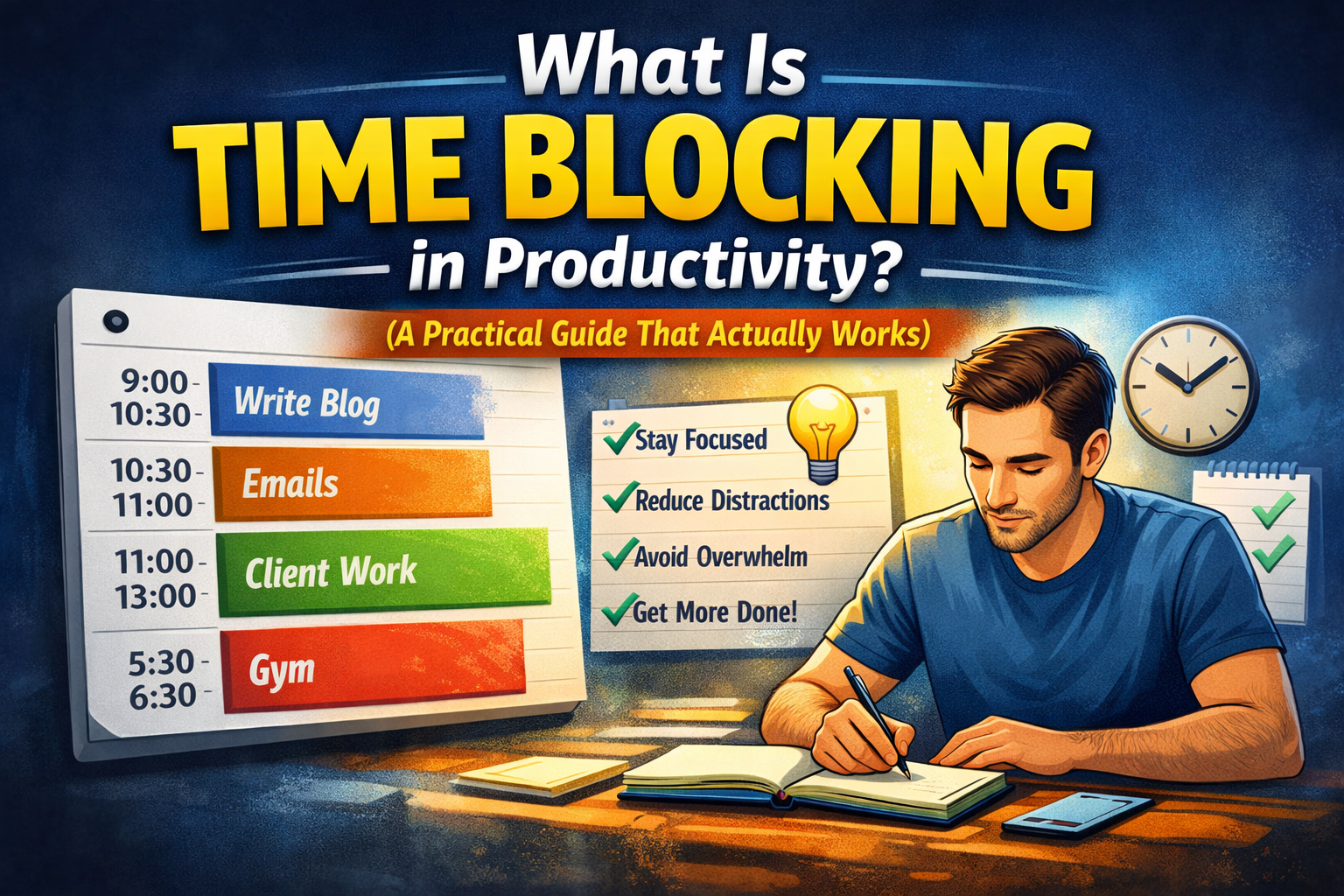
Time blocking is a planning method where you assign specific blocks of time on your calendar to specific tasks (or types of work), instead of working from an open-ended to-do list.
Instead of:
- “Write blog post”
- “Client work”
- “Gym”
…you schedule:
- 09:00–10:30 Write blog post (draft)
- 10:30–11:00 Admin + email
- 11:00–13:00 Client work (Project A)
- 17:30–18:30 Gym
Time blocking turns intention into a commitment, because it forces you to answer the real question:
When exactly will this happen?
Why people use time blocking
Time blocking exists to solve 4 common productivity problems:
1) The day disappears without structure
Without a plan, small tasks expand and meetings or messages take over.
Time blocking protects your day from “random drift.”
2) You stop relying on willpower
When a block starts, you start. No negotiation.
3) You reduce context switching
Grouping similar work into one block prevents the constant “restart cost.”
4) You plan realistically
A calendar has limits. A to-do list doesn’t.
Time blocking forces capacity awareness.
The 3 main types of time blocking
1) Task-based time blocking
You schedule specific tasks into specific times.
Best for:
- predictable days
- deep work
- clear deadlines
Example:
- 09:00–10:00 Draft homepage hero
- 10:00–10:30 Fix mobile nav
- 10:30–11:00 Replies + admin
2) Theme-based time blocking (time boxing by category)
You block time for a category of work, not a specific task.
Best for:
- chaotic schedules
- running a business
- multitopic days (client work + content + admin)
Example:
- 09:00–11:00 Deep work (creation/building)
- 11:00–12:00 Admin + messages
- 14:00–16:00 Client delivery
3) Energy-based time blocking
You match blocks to your energy levels.
Best for:
- anyone with variable energy
- people who hate rigid schedules
Example:
- morning: hardest thinking task
- mid-day: meetings/admin
- afternoon: execution tasks
- evening: light review/planning
Time blocking vs time boxing (quick difference)
People often mix these terms:
- Time blocking: planning your day by assigning time slots.
- Time boxing: setting a limit for a task (ex: “Write for 25 minutes, stop.”)
Most people do better with a hybrid:
- block the time
- box the effort inside the block
The biggest mistakes people make with time blocking
Mistake 1: Scheduling a perfect day
If your plan assumes zero interruptions, it will fail.
Fix:
- leave buffer blocks (10–30 minutes)
- expect delays
Mistake 2: Blocks are too small
If you schedule 10 tiny blocks, you create stress and switching.
Fix:
- make deep work blocks 60–120 minutes
- batch admin into 30–60 minutes
Mistake 3: Vague blocks
“Work on marketing” isn’t executable.
Fix:
- define a clear outcome for the block: “Write 10 hooks” or “Draft hero section”
Mistake 4: No review / no adjustment
You end up feeling guilty instead of improving.
Fix:
- end-of-day review: what worked, what didn’t, what changes tomorrow
A simple time blocking method for beginners
If you’re new to time blocking, don’t schedule your entire day.
Start with 3 blocks:
- One deep work block (60–120 min)
- One admin block (30–60 min)
- One life block (gym, walk, errands)
Example:
- 09:00–10:30 Deep work (one important task)
- 11:30–12:15 Admin + messages
- 17:30–18:30 Gym
That alone will upgrade your consistency.
The “flexible time blocking” version (best for real life)
If your day is unpredictable, use flexible blocking:
- Morning: Deep work block (start anytime before lunch)
- Afternoon: Delivery block (client work / execution)
- Late afternoon: Admin block
- Evening: Reset + plan
You’re not locking exact times.
You’re locking priorities and sequence.
This works even when meetings move around.
Who time blocking is best for (and who might hate it)
Time blocking is great if you:
- have important deep work
- struggle with distractions
- want a realistic daily plan
- need boundaries (work ends at a time)
You might hate strict time blocking if you:
- have constant interruptions
- dislike rigid schedules
- do mostly reactive work
In that case, use:
- theme blocks
- buffers
- “minimum viable day” planning (1–3–5 rule style)
Where Self-Manager.net fits
Time blocking works best when your tasks and context are organized by day, because your calendar is just the “when” — you also need the “what” and “why.”
A date-based system helps you:
- plan tasks on the day you’ll do them
- keep notes/links/decisions attached to that day
- review what actually happened (so your planning improves)
So time blocking becomes a repeatable loop:
plan → execute → review → adjust
That’s how it stops being theory and starts being a system.
Quick FAQ
Is time blocking better than a to-do list?
For execution, usually yes. A to-do list is inventory. Time blocking is commitment.
Does time blocking work if I have a busy schedule?
Yes, if you use theme blocks + buffers instead of minute-by-minute planning.
How long should a time block be?
Deep work: 60–120 minutes. Admin: 30–60 minutes. Small tasks: batch them.
What if I don’t finish a task in the block?
Stop at the end of the block, note the next action, reschedule another block. That’s the “boxing” part.

AI Powered Task Manager
Plan smarter, execute faster, achieve more
Create tasks in seconds, generate AI-powered plans, and review progress with intelligent summaries. Perfect for individuals and teams who want to stay organized without complexity.
Get started with your preferred account