The Attention Audit: How to Find Your Real Productivity Leaks
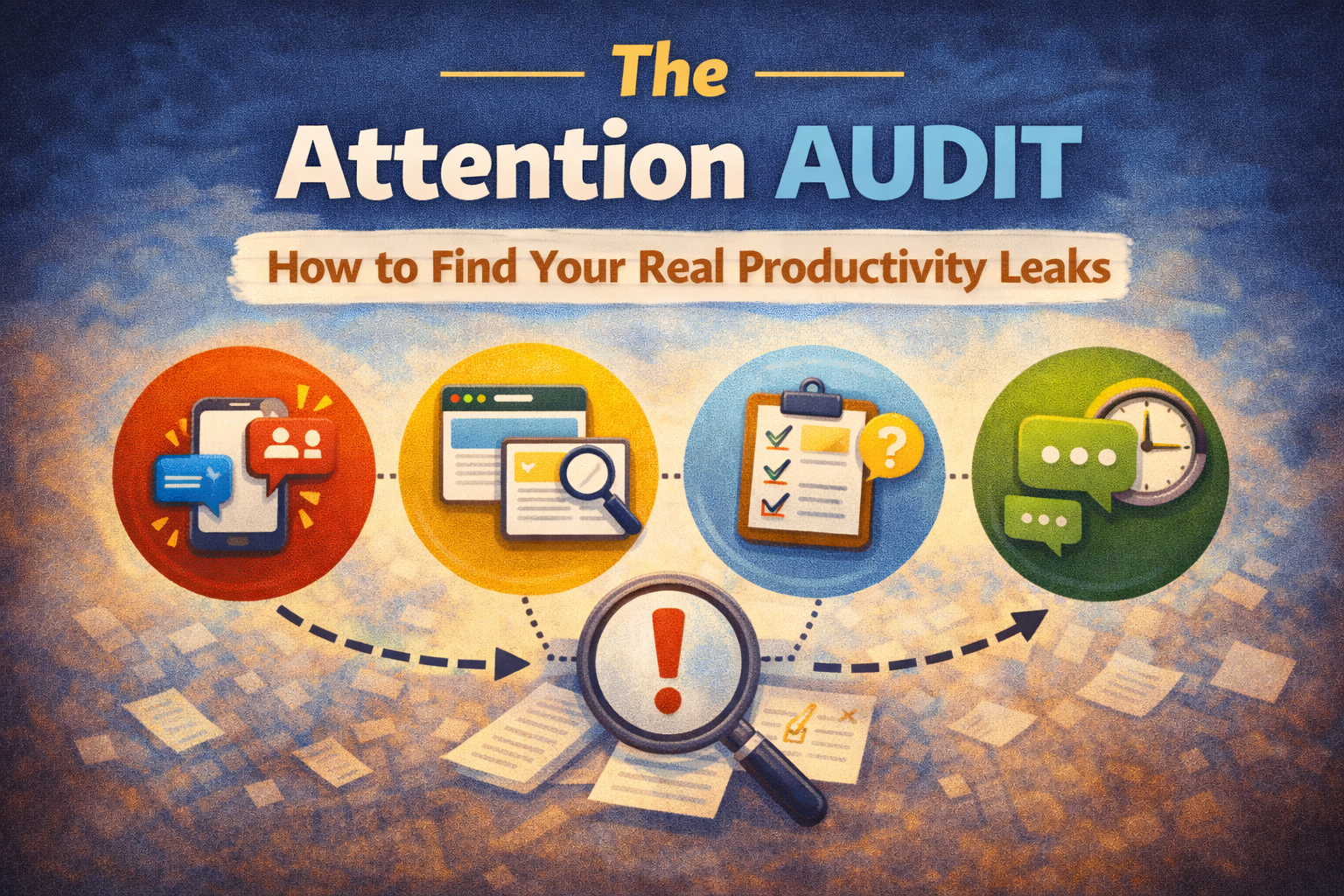
Most productivity advice assumes you have a "time management" problem.
But for most people in 2026, the real issue is simpler:
your attention is leaking all day.
Not in dramatic ways—just tiny leaks:
- checking messages "for a second"
- opening a tab to look something up
- switching tasks because something feels hard
- reacting to notifications
- bouncing between apps
Individually, each leak looks harmless.
Together, they destroy deep work, create mental fatigue, and make you feel like the day vanished.
An Attention Audit is a simple process to find your biggest leaks—and fix the real ones, not the imaginary ones.
What is an Attention Audit?
An Attention Audit is a short experiment (usually 3–7 days) where you track:
- what you planned to do
- what you actually did
- where attention got stolen
- why it happened
- what to change next
It’s not about judging yourself.
It’s about locating the exact points where your day slips.
Because you can’t fix what you can’t see.
The 5 most common productivity leaks
Before you audit, know what you’re looking for.
Leak #1: "Just checking" loops
Email, Slack, WhatsApp, X, news, analytics—anything you check repeatedly.
The cost isn’t the 30 seconds.
The cost is the restart after.
Leak #2: Task switching
You bounce because:
- a task is vague
- a task feels heavy
- you hit a friction point
- you don’t know the next action
Your brain escapes to something easier.
Leak #3: Tab chaos and micro-research
You open 6 tabs "to figure something out," then forget why you started.
Research becomes procrastination with a good reputation.
Leak #4: Notification-driven work
Your day becomes a reaction chain.
You do what appears, not what matters.
Leak #5: No closure (unfinished loops)
Unfinished tasks create mental noise.
Your brain keeps them running in the background.
That reduces focus even when you try to concentrate.
The Attention Audit method (7 days)
You only need:
- a notes page or table
- 2 minutes per check-in
- honesty
Step 1: Pick a short audit window
Do 7 days if you want accuracy.
Do 3 days if you want speed.
If your schedule is very different weekday vs weekend, include both.
Step 2: Create 3 daily checkpoints
- Start of day (2 minutes)
- Midday (2 minutes)
- End of day (5 minutes)
That’s it.
You’re not tracking every second.
You’re tracking patterns.
Step 3: Track only 4 fields
For each day, write:
- Today’s plan (1–3 priorities)
- What actually happened
- Leaks (what stole attention)
- Cause (why it happened)
Optional but powerful:
5) Fix (one change for tomorrow)
A copy/paste Attention Audit template
Morning (2 minutes)
- Anchor task: ________
- 2 support tasks: ________
- "If today goes well, it’s because I did ____."
Midday (2 minutes)
- What am I doing right now? ________
- Is this the best use of my next hour? Yes/No
- Leak happening? (notifications / switching / research / avoidance / admin) ________
Evening (5 minutes)
- What got done? ________
- What didn’t? ________
- Biggest attention leak today: ________
- Why it happened: ________
- One fix for tomorrow: ________
How to identify your "real" leak (the 80/20)
After 3–7 days, you’ll see repeating items.
Now do one simple ranking:
Which leak cost me the most in:
- time lost
- mental fatigue
- missed priorities
Usually, you’ll find 1–2 core issues.
Examples of "real leaks":
- checking messages too often
- unclear tasks causing avoidance
- constant switching due to no plan
- social media "breaks" that become resets
- meetings scattered across the day
Your goal is to fix one leak first.
Not all ten.
Fixes that actually work (based on the leak type)
If your leak is notifications:
- turn off push notifications
- batch messages 2–3 times per day
- use "do not disturb" blocks
Simple rule: no notifications during your first deep work block.
If your leak is task switching:
- write a first action before you start:
"Open doc → write 5 bullet points" - keep tasks small enough to enter quickly (10–30 minutes)
Rule: if you don’t know the first action, you don’t have a task yet.
If your leak is micro-research:
- create a "Research Parking Lot" list
- schedule one research block per day/week
- when a question appears, capture it and return to the task
Rule: capture questions, don’t chase them.
If your leak is avoidance:
Avoidance usually means:
- task is unclear
- task is too big
- task has emotional weight
Fix by shrinking:
- "do 10 minutes only"
- "write the ugly first draft"
- "define the next step, not the whole plan"
If your leak is admin overflow:
Use an Admin Day (batch life maintenance weekly)
so it stops leaking into every day.
The most important outcome of an Attention Audit
The best result isn’t "I became perfect."
It’s this:
you stop blaming yourself and start fixing systems.
Once you can see the leak, you can design around it.
And your productivity improves without grinding harder.
Where Self-Manager.net fits
The Attention Audit works best when your tasks and notes live inside a date-based history, because you can review patterns easily:
- plan your day (anchor + support tasks)
- log what actually happened
- write quick "leaks" notes as comments
- review your week and spot recurring patterns
It becomes less about memory and more about evidence.
That’s how you find your real leaks—and stop them.
7-day challenge
For 7 days:
- pick 1 anchor task each morning
- do a 2-minute midday check-in
- log your biggest attention leak at night
- apply one fix the next day
After a week, you’ll know:
- what actually steals your focus
- why it happens
- what to change first

AI Powered Task Manager
Plan smarter, execute faster, achieve more
Create tasks in seconds, generate AI-powered plans, and review progress with intelligent summaries. Perfect for individuals and teams who want to stay organized without complexity.
Get started with your preferred account