How to Use a Project Management App to Run Your Personal Life (2026 Guide)
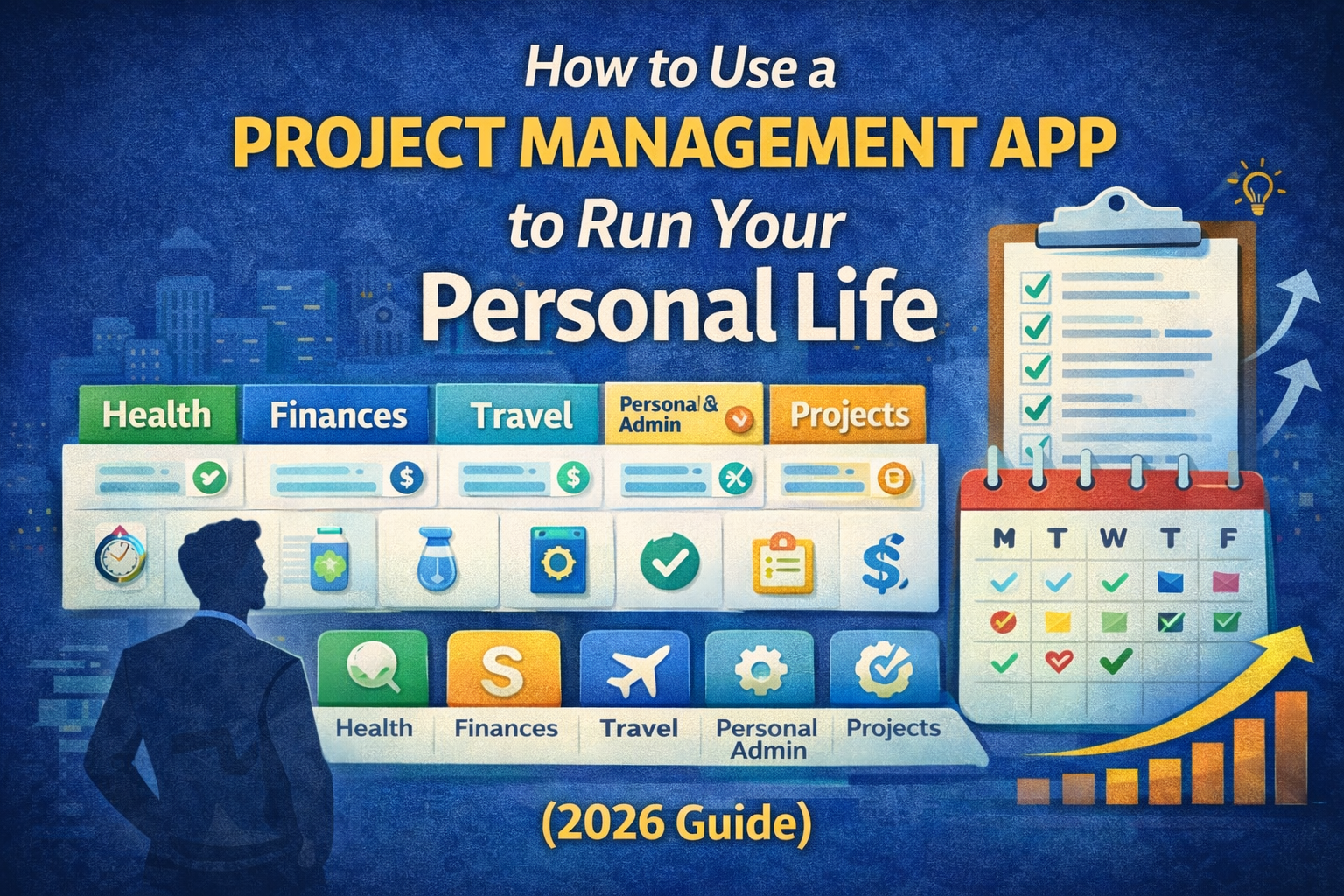
Most people already "manage projects" in their personal life.
They just don't call them projects.
- health goals
- finances
- home admin
- family logistics
- travel planning
- learning a skill
- side business
- personal growth
- fixing things you keep postponing
Without a system, these become mental clutter.
A project management app can become your personal operating system—not by adding complexity, but by doing one thing well:
It turns "things I should do" into a clear plan you can execute week by week.
This article shows you exactly how.
The main problem a project app solves in personal life
Personal life gets messy because:
- tasks live in your head (and leak)
- you forget commitments until they become urgent
- you start projects but don't close loops
- you don't review, so you repeat the same chaos
A project management app helps you run your personal life by giving you:
- One place to store everything (no scattered notes)
- A way to organize life into areas and projects
- A weekly review loop (so the system stays clean)
- A daily plan (so things actually happen)
Step 1: Set up your "Life Dashboard" (simple structure)
Think in 3 levels:
Level 1: Life Areas (ongoing responsibilities)
These don't "finish." They get maintained.
Examples:
- Health
- Money
- Home
- Relationships / Family
- Career / Business
- Learning
- Personal Admin
- Fun / Travel
Level 2: Projects (things with an outcome)
A project has a finish line.
Examples:
- "Lose 6kg by June"
- "Renew passport"
- "Plan summer trip"
- "Declutter garage"
- "Build a budget and stick to it"
- "Finish Angular course"
- "Buy a car"
Level 3: Tasks (next actions)
Tasks are the small steps that move projects forward.
Example:
Project: "Renew passport"
Tasks: "Find required documents", "Book appointment", "Pay fee", "Go to office"
This structure alone reduces stress because your brain stops trying to remember everything.
Step 2: Use 4 lists that run your whole personal life
You don't need 50 boards.
You need four "control lists":
1) Inbox (capture)
Dump anything here the moment it appears:
- ideas
- reminders
- things people ask you
- "I should…" thoughts
Rule: Inbox is allowed to be messy. It's just capture.
2) Next Actions (doable tasks)
This is your execution list.
Only tasks that are clear and doable go here.
3) Waiting / Follow-ups
Anything you're waiting on:
- delivery
- a reply
- appointment confirmation
- someone else's action
This stops you from forgetting and re-checking constantly.
4) Someday / Later
Ideas you don't want to lose but shouldn't distract you.
This prevents the classic personal-life problem: planning too much and doing nothing.
Step 3: Tie personal life to time (this is where it becomes powerful)
Here's the truth:
Personal life doesn't fail because you don't "know what to do."
It fails because it doesn't get scheduled into actual days.
So add one of these time methods:
Option A: Date-based planning (best for follow-through)
You plan by day/week/month:
- what happens this week?
- what's today's focus?
This is why date-centric tools (like Self-Manager.net's daily view) feel natural for real life: life happens day by day.
Option B: Calendar time-blocking (best if you live by your calendar)
Put tasks into blocks (gym, admin hour, meal prep, budgeting).
Option C: Weekly "themes" (best if you hate scheduling)
Example:
- Monday: money/admin
- Tuesday: health
- Wednesday: learning
- Saturday: home projects
You still get structure without micro-planning.
Step 4: Run a weekly review (the habit that makes the whole system work)
If you do only one thing, do this.
Every Sunday (or Monday), spend 15–30 minutes:
- Clear the inbox (turn items into tasks/projects)
- Review active projects (pick the next step)
- Check waiting/follow-ups
- Plan the week (choose 3 priorities total)
- Pick 1 "life admin" task (the thing you keep avoiding)
Why this works:
Your life stays organized because your system gets cleaned regularly.
No review = the app becomes a junk drawer.
Step 5: Use templates for common personal-life projects
This is where a project app becomes a "life machine."
Template: Personal Finance Reset
- List monthly fixed expenses
- Review subscriptions
- Set weekly spending limit
- Create "next month" plan
- One action: renegotiate/cancel 1 thing
Template: Health Goal
- Define outcome (target date)
- Define weekly actions (workouts, meals)
- Track consistency (not perfection)
- Weekly check-in (what worked / what didn't)
Template: Home Maintenance
Create recurring tasks:
- bills
- cleaning
- car maintenance
- health appointments
Add "seasonal checklist" (spring/fall)
Template: Travel Planning
- Dates + budget
- Booking tasks (flight/hotel)
- Documents
- Packing list
- "Day-by-day" plan (optional)
Real examples: how people use a personal PM app day-to-day
"I'm overwhelmed"
Use it as a brain dump + weekly cleanup.
Result: less mental load.
"I procrastinate personal admin"
Create a weekly "admin hour" project and keep tasks tiny:
- "Call dentist (5 min)"
- "Book appointment"
- "Pay bill"
"I start goals but don't stick to them"
Make the goal a project with weekly actions + weekly review.
Track consistency, not motivation.
"My personal life is messy because my work is intense"
Use the app to keep personal life running on autopilot:
- recurring routines
- follow-ups
- weekly planning
The biggest mistake: using a project app like a storage app
If you only store tasks, you get a prettier to-do list.
To "run your personal life," you need:
- time (daily/weekly plan)
- review (weekly reset)
- small next actions (execution)
That's the system.
Simple takeaway
A project management app helps you run your personal life because it:
- reduces mental clutter
- makes priorities visible
- keeps follow-ups from being forgotten
- turns goals into weekly execution
- gives you a review loop so you learn and improve
You don't need a perfect setup.
You need a consistent one.

AI Powered Task Manager
Plan smarter, execute faster, achieve more
Create tasks in seconds, generate AI-powered plans, and review progress with intelligent summaries. Perfect for individuals and teams who want to stay organized without complexity.
Get started with your preferred account