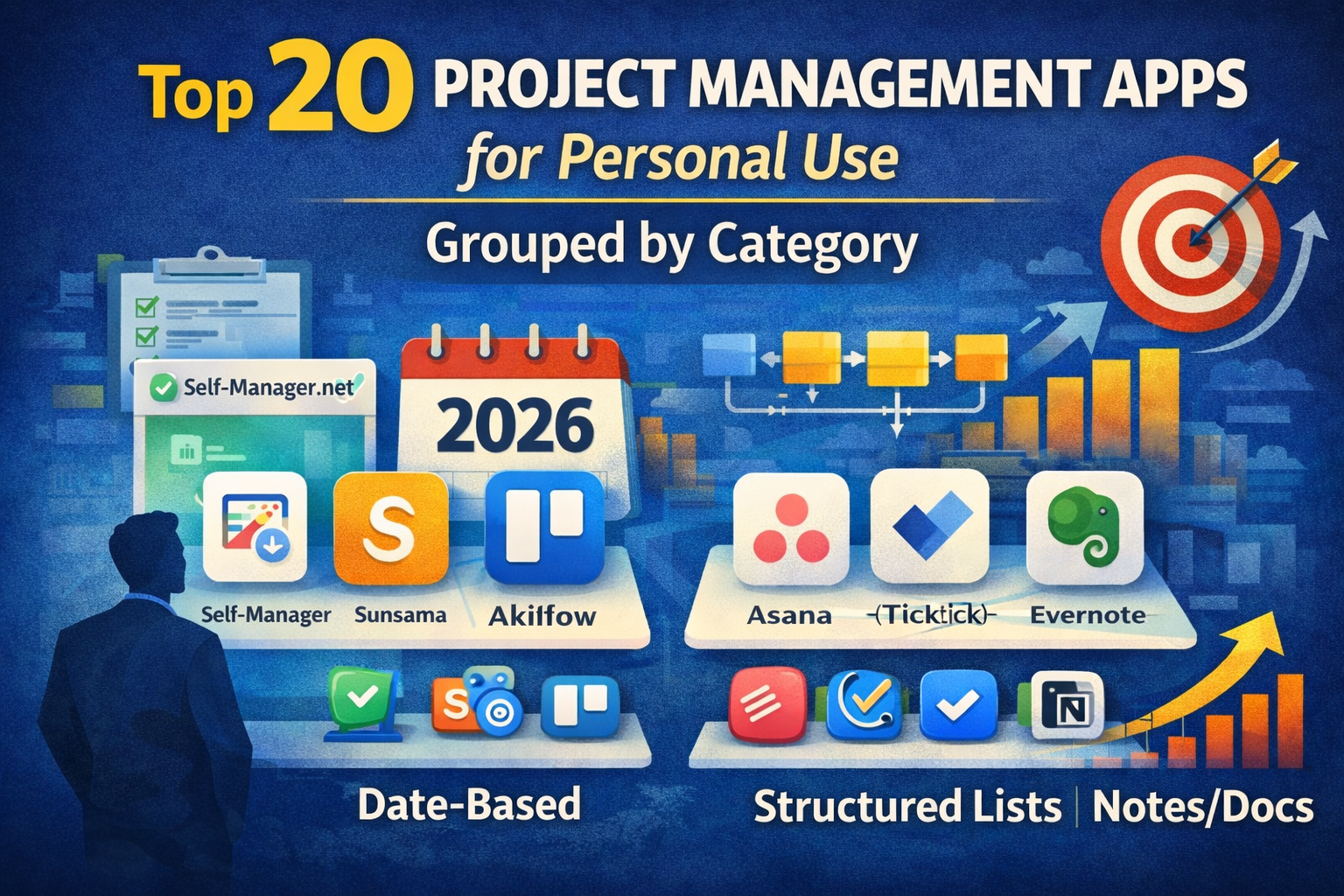
Top 20 Project Management Apps for Personal Use (2026) — Grouped by Category
Most "project management apps" are built for teams.
But personal projects fail for different reasons:
- you don't review them weekly
- they don't get scheduled into real days
- you track too many things in too many places
- you lose the "next action" under a pile of tasks
So this list is not a random top 20.
It's 20 personal project management apps grouped by concept (how your brain naturally plans and executes). Pick the category that feels like you.
How to choose fast (30 seconds)
Choose your default thinking style:
- "I plan by day/week." → Date-centric planners
- "I need to see the workflow." → Kanban boards
- "I execute best with checklists." → Outliners & structured lists
- "My projects are notes + knowledge." → Notes-as-projects workspaces
Then pick 1 app from your category and commit for 30 days.
Category A: Date-centric planners (projects turned into real days)
Best for: people who want personal projects to actually move forward weekly, not sit in a backlog.
1) Self-Manager.net (Best overall for personal execution + reviews)
Best for: date-based planning, weekly/monthly reviews, and turning ideas into a clear daily plan.
Why it works for personal projects:
- you plan by dates (what happens this week) instead of "someday boards"
- great for weekly review → weekly plan loops
- strong for solo founders/creators, side projects, studying, fitness plans, and life admin
Potential drawback: if you prefer pure kanban boards and never schedule anything, you might want a board-first tool.
2) Sunsama
Best for: a daily planning ritual and intentional day design.
Why it works: it forces a daily "plan the day" habit.
Drawback: can feel heavy if you just want a lightweight system.
3) Akiflow
Best for: task inbox + calendar flow when you move fast.
Why it works: strong "capture → plan today" workflow.
Drawback: can become another inbox if you don't review weekly.
4) Morgen
Best for: calendar command-center people.
Why it works: if your life runs on the calendar, it keeps planning close to time.
Drawback: less "project structure" than dedicated PM tools.
5) Amie
Best for: modern calendar + tasks in a clean UI.
Why it works: encourages daily planning without complexity.
Drawback: not as deep for complex multi-step projects.
Category B: Kanban boards (visual workflow and progress)
Best for: visual thinkers who want projects to move through stages.
6) Trello
Best for: simple personal kanban boards.
Why it works: fast, easy, very low friction.
Drawback: big boards can turn into "card graveyards" without reviews.
7) Asana
Best for: structured projects with clear sections and timelines.
Why it works: great when your projects have repeatable steps.
Drawback: can feel "team-ish" for personal use if you keep it too complex.
8) ClickUp
Best for: power users who want tasks + docs + dashboards in one place.
Why it works: very customizable.
Drawback: easy to overbuild your system and spend time managing the tool.
9) Monday.com
Best for: ops-style planning and visibility.
Why it works: strong structure and templates.
Drawback: often more than a solo person needs.
10) Jira (personal use for developers)
Best for: dev side projects if you already live in Jira at work.
Why it works: issues, sprints, backlogs are familiar.
Drawback: heavy for most personal projects.
Category C: Outliners & structured lists (projects as checklists and next actions)
Best for: people who move fastest with a clean list and clear priorities.
11) Todoist
Best for: minimalist project lists and recurring systems.
Why it works: simple projects, easy capture, fast execution.
Drawback: less visual for multi-step projects unless you build your own structure.
12) TickTick
Best for: tasks + calendar view + focus features.
Why it works: good all-in-one personal productivity tool.
Drawback: can become "too many features" if you only want projects.
13) Things 3 (Apple)
Best for: calm, clean personal task management.
Why it works: excellent for clarity and next actions.
Drawback: Apple-first ecosystem, not a full "project workspace."
14) Microsoft To Do
Best for: simple daily task lists and lightweight projects.
Why it works: extremely low friction.
Drawback: limited project depth.
15) Remember The Milk
Best for: classic list power and quick task management.
Why it works: strong for people who just want "tasks done."
Drawback: less modern project visualization.
Category D: Notes-as-projects (docs + knowledge + systems)
Best for: writers, researchers, creators, and anyone whose projects are thinking-heavy.
16) Notion
Best for: projects as databases + docs.
Why it works: flexible structure for personal planning.
Drawback: easy to turn into a "pretty storage system" instead of execution.
17) Obsidian
Best for: knowledge workers who think in linked notes.
Why it works: great for long-term projects (learning, writing, research).
Drawback: requires building your workflow (less "ready-made PM").
18) Coda
Best for: doc + mini-app workflows (tables, pages, automation).
Why it works: can become a personal operating system.
Drawback: more setup than most people expect.
19) Craft
Best for: beautiful structured docs that feel lightweight.
Why it works: great for personal project plans and writing.
Drawback: less "task engine" compared to PM tools.
20) Evernote
Best for: capture and personal archive.
Why it works: when your main problem is losing information.
Drawback: not a full project execution system on its own.
The simplest way to use these tools (without overthinking)
A personal project system needs only 3 things:
- A home for the plan (one tool)
- A weekly review (15–30 minutes)
- A daily next action (what moves the project today)
If you want the most "complete" personal project loop (plan → execute → review), pick a date-centric system like Self-Manager.net and run everything through weekly planning.
If you want pure simplicity, use Todoist or Trello, but promise yourself you'll review weekly.
FAQ
What is the best project management app for personal use in 2026?
The best one is the app that matches your planning style. If you want daily execution + weekly reviews, a date-centric planner Self-Manager.net is usually the most effective.
Is Trello good for personal projects?
Yes—especially if you like visual progress. But it works best when you do a weekly cleanup so boards don't become a graveyard.
Is Notion good for project management?
Notion is great for planning and documentation. For execution, you need a simple daily workflow (otherwise it becomes storage).
What should I use if I hate complicated tools?
Start with Todoist, Microsoft To Do, or Trello. Keep it simple for 30 days before upgrading.

AI Powered Task Manager
Plan smarter, execute faster, achieve more
Create tasks in seconds, generate AI-powered plans, and review progress with intelligent summaries. Perfect for individuals and teams who want to stay organized without complexity.
Get started with your preferred account