When Productivity Apps Cause Stress
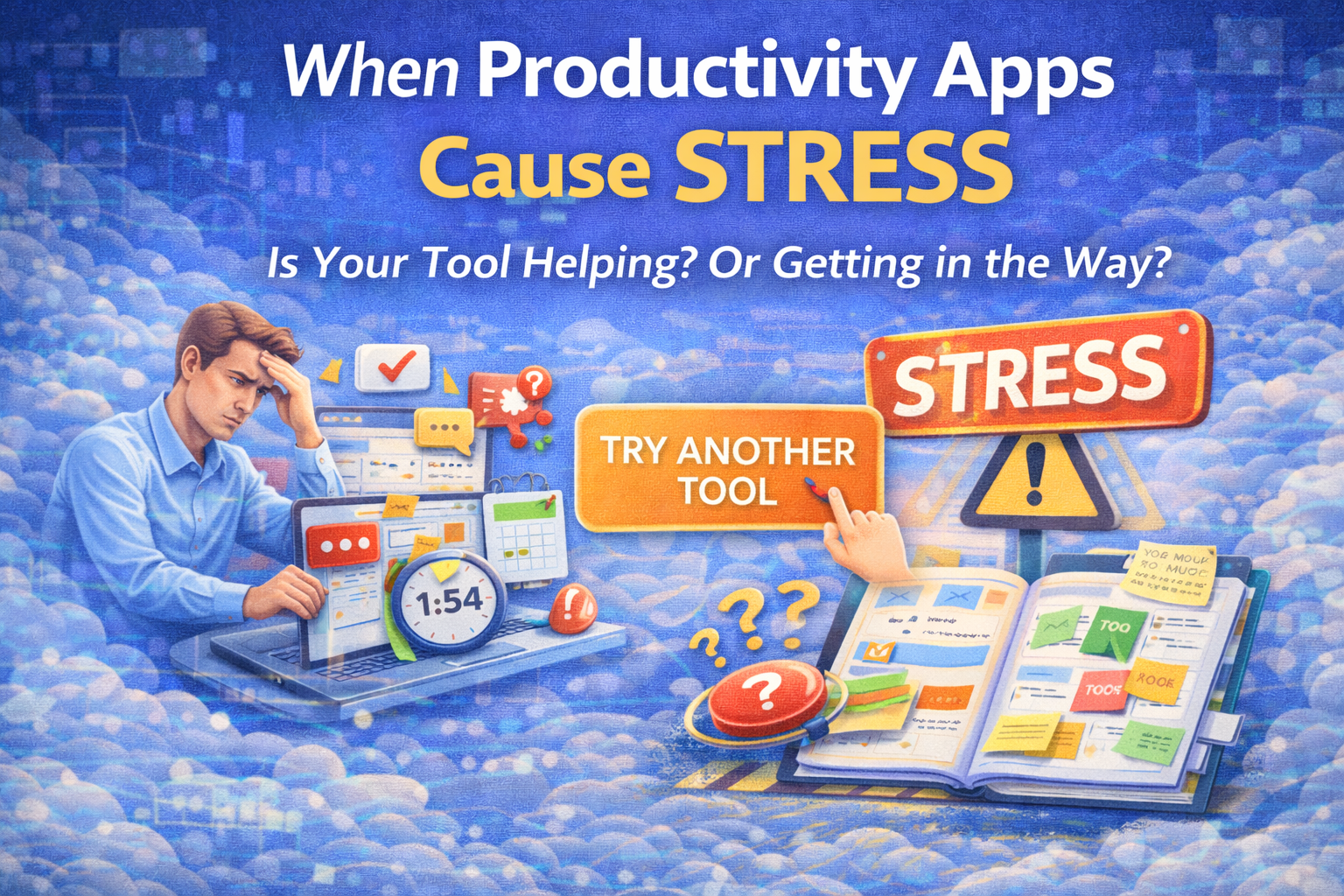
How to tell if your tool is the problem — and what to do instead
Productivity apps are supposed to reduce mental load.
But sometimes the opposite happens: the tool becomes another thing to manage, and you start feeling behind before you even start working.
If a task or project manager feels stressful, it usually means one of two things:
- the tool is genuinely a bad fit for how you work, or
- you're using a good tool in a way that creates friction (too much structure, too many "systems," too much switching)
Either way, you don't need to "push through." If the tool gets in the way, it's time to change the tool or change how you use it.
The weird truth: "more features" can create more stress
There's a term researchers use for the negative side of heavy technology use: technostress—stress caused by technology demands like overload, complexity, and pressure to stay connected.
In plain language: if your app makes you feel like you're always juggling, always reorganizing, always reacting… your brain treats it as a stressor, not a support system.
Signs your productivity app is causing stress
If you recognize 3+ of these, your tool is likely adding friction:
1) You spend more time managing the app than doing the work
You're constantly:
- reorganizing boards
- renaming labels
- re-sorting lists
- rebuilding a "perfect system"
2) Your "inbox" never becomes a plan
You capture tasks… but they stay as a pile. The list grows until it becomes a "stress dashboard."
3) You keep context switching to maintain the system
You're working, then:
- check the app
- tweak the structure
- adjust dates/priority tags
- jump back to work
Frequent switching hurts focus and can increase mental strain—especially with notifications and interruptions.
4) The app creates guilt instead of clarity
You open it and feel:
- overwhelmed by the backlog
- behind even on a good day
- "I'm failing my system"
5) Notifications and "always-on" pressure wear you down
Too many platforms and too many notifications are commonly reported sources of stress in modern digital work.
6) You avoid the tool (and then feel worse)
Avoidance is a signal. If you procrastinate by not opening the app, the system is too heavy for your current reality.
Why this happens (the real causes)
Cause 1: Tool overload (too many platforms)
When tasks, notes, docs, chat, calendar, and files live in separate places, you pay a constant "reloading cost" to find what matters.
Cause 2: Notification overload and interruption loops
Research finds that reducing notification-caused interruptions can improve performance and reduce strain. And experiments on notification scheduling suggest batching notifications a few times per day can reduce stress and improve well-being compared to constant alerts.
Cause 3: Tech complexity (the system requires "admin work")
A tool that demands configuration, upkeep, and constant tuning can create the feeling of "I'm never done," which is a classic technostress pattern.
Cause 4: Too much Work In Progress (WIP)
If you try to "run your whole life" inside one tool with 15 active projects at once, stress is inevitable. Your brain can't carry that many open loops cleanly.
What to do: two paths (switch the tool vs redesign your usage)
Path A: Switch to another app when the tool itself is the problem
It's time to switch when:
- the UI feels slow or complicated every day
- you need 8 clicks to do a basic thing
- you keep forcing yourself to use features you don't need
- the tool makes you feel like a manager of your own life (in a bad way)
Rule of thumb:
If the tool requires willpower to use, it's not helping.
Path B: Keep the tool, but use it differently (lighter system)
Many people don't need a new app. They need a simpler operating method.
Here are the best "stress-reducing" design changes:
1) Separate capture from planning
Stop trying to perfectly categorize tasks at the moment you think of them.
Use:
- INBOX (capture fast)
- WEEK PLAN (choose what matters)
- TODAY (execute)
This reduces the "I must organize everything now" stress.
2) Reduce your "active projects" to 1–3
For personal use:
- 1 primary project (the main win)
- 1 secondary project
- 1 maintenance bucket (life/admin)
Everything else goes to "later."
3) Batch communication and notifications
Instead of constant interruptions:
- 2 message/email windows per day
- notifications off during deep work
Research supports that reducing notification interruptions reduces strain, and batching can help well-being.
4) Replace "perfect planning" with a weekly minimum plan
Your system should survive bad weeks.
Write a fallback:
- "If the week explodes, I still do: ___ and ___."
This prevents missed weeks from turning into missed months.
5) Define "Done" clearly
Stress increases when tasks are vague:
- "Work on business"
- "Improve marketing"
- "Fix website"
Rewrite as:
- "Publish landing page update"
- "Send 10 outreach messages"
- "Write 1,000 words"
Clarity reduces mental load instantly.
The 10-minute "stress test" for any productivity app
Open your tool and answer:
- Can I see what matters this week in under 10 seconds?
- Can I capture a task in under 3 seconds?
- Do I know the next step on my main project?
- Does the tool reduce decisions—or create new ones?
- Do I feel calmer after opening it?
If the answer is "no" repeatedly, the app is either the wrong fit—or your structure is too heavy.
How Self-Manager.net fits this (quick, non-salesy)
If stress comes from over-organization and too much switching, date-based planning can be a calmer approach because it forces a simple question:
What belongs to this week? What belongs to today?
A lightweight setup inside Self-Manager can look like this:
- A Weekly table: your Weekly Win + 3–5 commitments + 1–3 active projects
- A Daily table: today's execution list + a small INBOX section
- Pin the Weekly table so it stays visible while you work
- Use a short end-of-day note ("Where I stopped / what's next") to reduce re-start friction
The idea is not "more features." It's less friction:
capture → choose → execute → review on real dates.
If you only take one idea from this article
If your productivity app feels stressful, don't assume you're the problem.
Either:
- switch tools, or
- strip your system down to: INBOX → WEEK → TODAY
A productivity tool should feel like a relief when you open it—not a judgment.

AI Powered Task Manager
Plan smarter, execute faster, achieve more
Create tasks in seconds, generate AI-powered plans, and review progress with intelligent summaries. Perfect for individuals and teams who want to stay organized without complexity.
Get started with your preferred account