What Task & Project Management Apps Are Famous People Using in 2026?
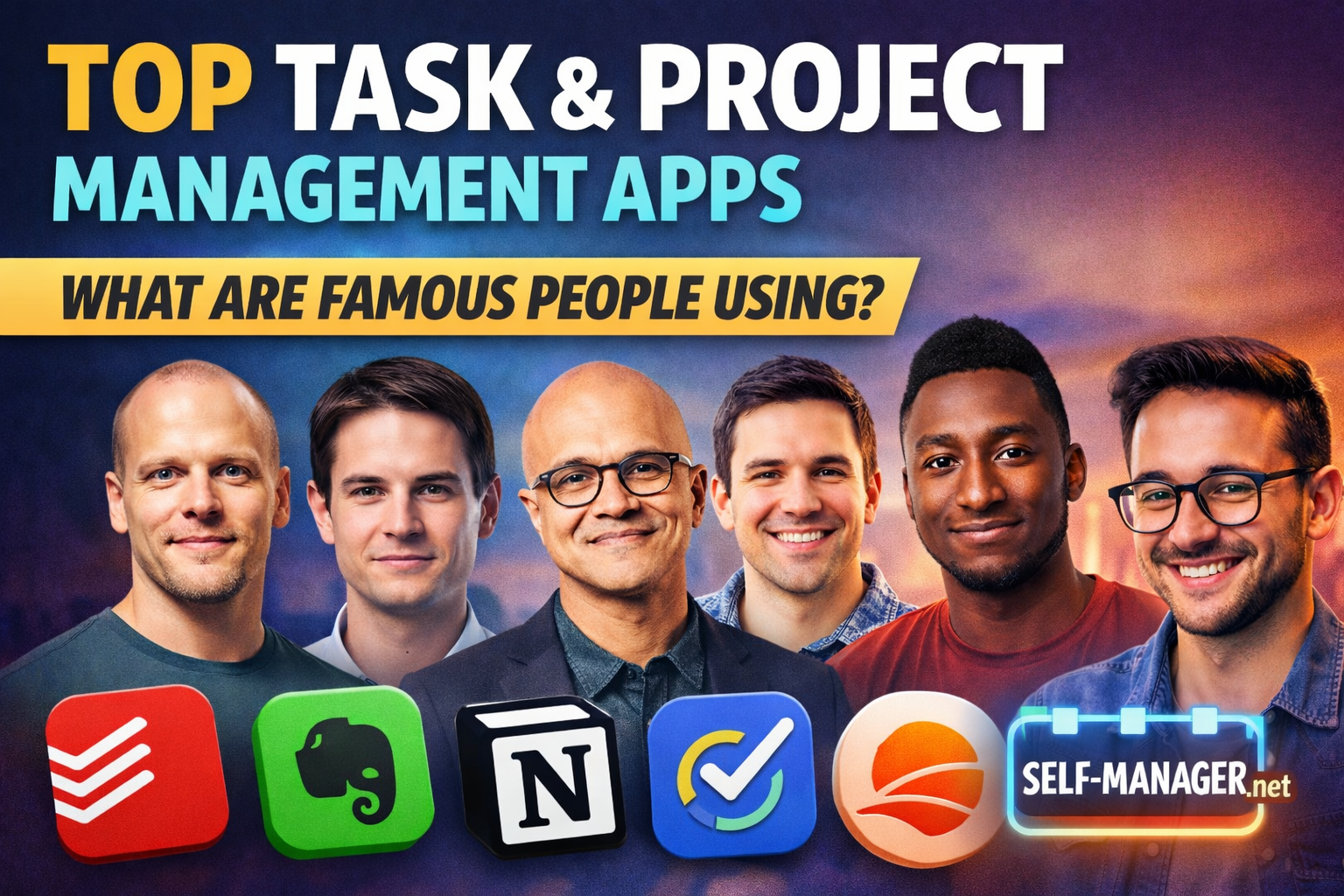
"Famous people" don't all run the same kind of productivity system—many have assistants, teams, and custom workflows. But a surprising number of well-known creators, authors, and executives do share the tools they rely on publicly.
This article is a 2026 snapshot of apps that have been publicly mentioned by recognizable people—plus what each person is known for and why that tool fits their style.
10 famous people and the tools they've talked about using
1) Ali Abdaal — Todoist + Notion
Ali is one of the biggest productivity YouTubers, known for building repeatable systems for content and business. He's discussed using Todoist for quick task capture and execution, and Notion for team/project organization (content pipelines, docs, systems).
Why it fits: fast personal task list + a flexible team workspace.
2) Tim Ferriss — Evernote
Tim is the author of The 4-Hour Workweek and host of a massive podcast. He's been associated with Evernote for capturing research, ideas, and notes—essentially using it as an "external brain."
Why it fits: heavy research + long-term knowledge storage + searchable notes.
3) Adam Savage — Evernote (checklists) + analog
Adam (MythBusters, maker/inventor) has talked about using Evernote for checklists while still appreciating paper workflows. His productivity style is very "hands-on": build, test, iterate.
Why it fits: checklists for repeatable processes, mixed with practical analog habits.
4) Cal Newport — Time-block planning + simple kanban (like Trello/Asana)
Cal is known for Deep Work and time-block planning. He's described keeping "companion lists" and has pointed to simple kanban tools (like Trello/Asana) as a clean way to maintain them.
Why it fits: the calendar is the plan; kanban is the lightweight support structure.
5) Satya Nadella — OneNote
As Microsoft's CEO, Nadella has highlighted OneNote as a meaningful productivity tool. At an executive level, "task management" often looks like meeting notes, decisions, follow-ups, and context, not just checkboxes.
Why it fits: fast note capture across meetings + a long-running decision/history trail.
6) David Allen — Lotus / IBM Notes
David Allen (creator of GTD) has mentioned using Lotus/IBM Notes in his own workflow for managing action lists. GTD is all about capturing, clarifying, organizing, and reviewing.
Why it fits: GTD is tool-agnostic, but depends on reliable lists and consistent reviews.
7) Thomas Frank — Notion
Thomas is known for high-quality productivity systems and templates. He's heavily associated with Notion, using it as a database-driven control center for projects, tasks, content, and operations.
Why it fits: Notion is perfect for "showable systems" (dashboards, templates, workflows).
8) Carl Pullein — Todoist + Evernote
Carl is a productivity coach who teaches structured execution and clean workflows. He's publicly tied to using Todoist for tasks and Evernote for notes/reference.
Why it fits: a classic split: tasks stay small and actionable; notes stay searchable and separate.
9) David Sparks (MacSparky) — OmniFocus
David Sparks is a well-known Apple-focused productivity expert (Mac automation, shortcuts, workflows). He's long been associated with OmniFocus for managing tasks seriously.
Why it fits: OmniFocus shines when you want structured projects, contexts, and dependable execution.
10) Marques Brownlee (MKBHD) — TickTick + Notion
Marques is one of the biggest tech YouTubers. His production world is deadlines, releases, shoot days, sponsor slots, and editing pipelines. He's been discussed in the context of TickTick + Notion for managing tasks and organizing content work.
Why it fits: TickTick for execution and scheduling; Notion for production/project context.
The real pattern: famous people usually don't use "one app"
Most public workflows fall into one of these "stack types":
A) Task app + workspace app (most common)
- Task app: quick capture, daily execution
- Workspace: project context, docs, content pipelines
This is why you keep seeing combos like Todoist + Notion or TickTick + Notion.
B) Notes-first productivity (common with authors/research-heavy people)
- the note system becomes the "hub"
- tasks often live as checklists inside the notes
That's why Evernote or OneNote shows up in famous workflows.
C) Calendar-first planning (common with deep-work style)
- the calendar is the plan (time blocks)
- tasks exist to support the plan
That's why Cal Newport-style planning pairs well with a lightweight kanban board.
Honorable mention: Self-Manager.net (innovative date-centric approach)
Most tools are either:
- task-first (lists), or
- workspace-first (projects/notes)
Self-Manager.net is different because it's date-centric:
- Projects can live as tables tied to days/weeks/months
- You can create a "Week Table" every Monday, a "Month Table" at the start of the month, and a "Quarter Table" at the start of the quarter—then pin those tables for ongoing reference
- This makes reviews easier because your work history is naturally organized by time (what happened when, not just where it sits in a board)
If you like the "weekly review + daily execution" style you see in many famous workflows, but you want the system to be time-aware by default, it's a strong alternative.
Quick takeaway: pick the system you'll actually maintain
- If you want fast daily execution → go task-first (Todoist/TickTick style)
- If you want a full project/content workspace → go workspace-first (Notion style)
- If you're research-heavy → go notes-first (Evernote/OneNote style)
- If you plan around deep work → go calendar-first + lightweight boards
And if you want project management that's built around days/weeks/months instead of endless boards, that's where a date-centric tool like Self-Manager.net stands out.

AI Powered Task Manager
Plan smarter, execute faster, achieve more
Create tasks in seconds, generate AI-powered plans, and review progress with intelligent summaries. Perfect for individuals and teams who want to stay organized without complexity.
Get started with your preferred account