What Is Flow (Deep Focus)? The Superpower for Executing Tasks - And How to Activate It on Demand
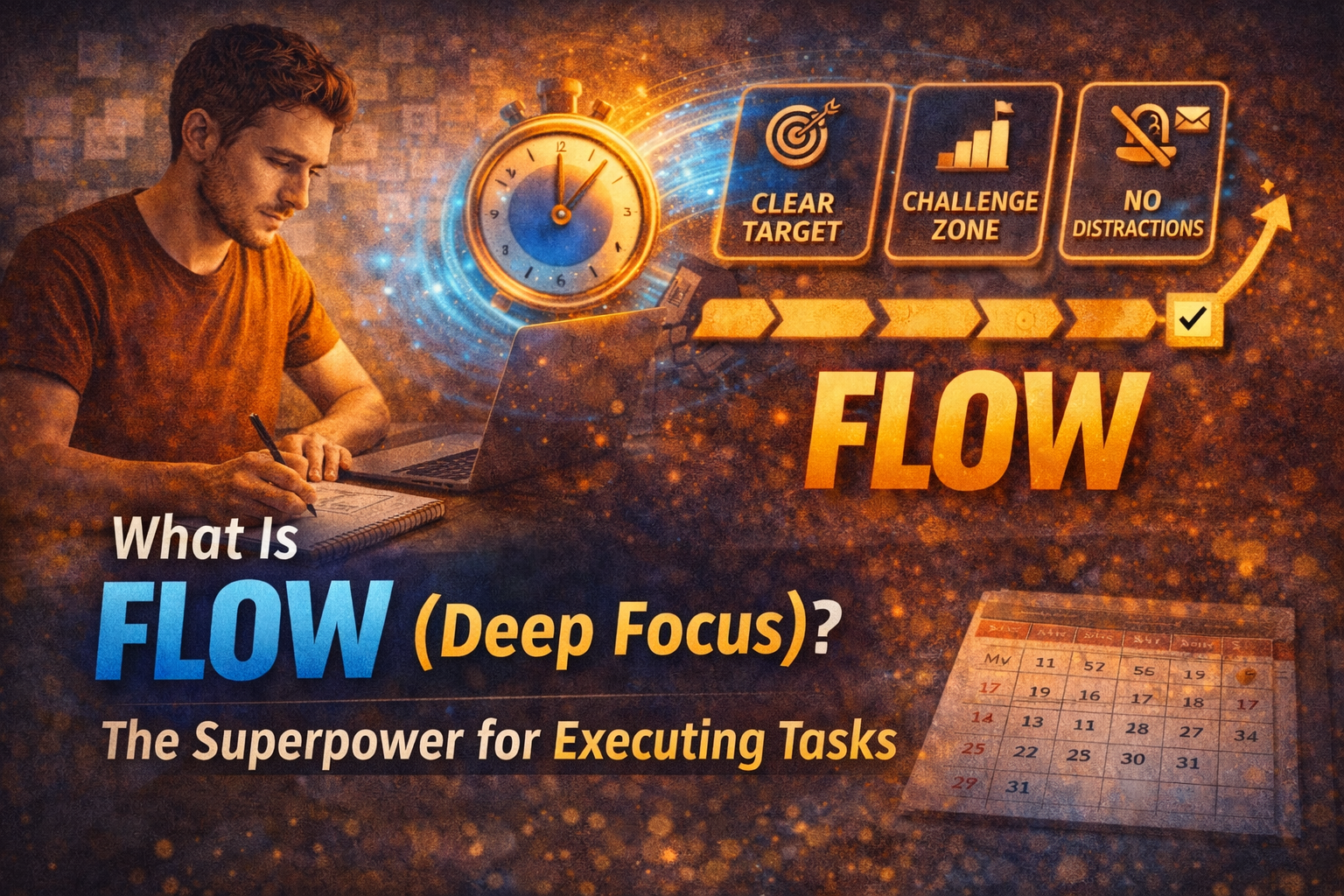
You have probably felt it before. You start working and suddenly time passes fast, the work feels smooth, and you are producing at a level that surprises you. That state is flow (often felt as deep focus).
Flow is not working harder. It is working with your brain instead of against it. The good news: you can learn to activate it much more often by setting the right conditions.
What flow actually is (in practical terms)
Flow is a state where your attention is fully locked on one objective, distractions stop pulling you, your brain stops context-switching, and you move through the task with momentum. It is not always fun, but it is usually clear and satisfying.
Flow vs. normal focus
Normal focus: "I am working, but I keep thinking about other things."
Flow: "Everything else disappears. I am inside the work."
Why flow is a productivity superpower
1) It eliminates restart costs
When you stop switching, you stop paying the mental reload penalty. Flow turns two hours into the output of four to six hours of fragmented work.
2) It increases quality
In flow, you keep the whole problem in your head. That is where better decisions, cleaner work, and sharper creativity happen.
3) It reduces stress
Flow feels calm because your brain is not juggling dozens of open loops.
The 4 conditions that create flow
Flow is not random. It is the result of a setup.
1) One clear goal
Your brain cannot enter flow if the task is vague.
Bad: "Work on the project."
Good: "Write the intro plus three bullet points."
Good: "Implement the checkout fix and test it."
Good: "Edit the first two minutes of the video."
Clarity is a flow trigger.
2) Difficulty: not too easy, not too hard
Flow lives in the challenge zone: too easy creates boredom and distraction; too hard creates anxiety and avoidance. If a task feels too hard, shrink it to the next startable step.
- Just open the file.
- Just write the first paragraph.
- Just outline five steps.
3) No optional inputs
Optional inputs destroy flow: notifications, email, messages, social media, or "just checking something quickly." Flow needs a protected lane.
4) Enough time to warm up
Flow usually starts after a short ramp-up. If you only work in tiny bursts, you rarely reach it.
- 25 minutes (habit building)
- 45 minutes (solid)
- 90 minutes (deep work sweet spot)
How to activate flow whenever you want
Use this repeatable flow launch routine anytime.
Step 1: Pick a single target (one sentence)
Write it like this: "In this session, I will ______."
- "In this session, I will outline the article."
- "In this session, I will finish the UI section."
- "In this session, I will clean up the backlog list."
Step 2: Define the next action (start point)
Flow fails when you do not know where to begin. Define the first move:
- open the document
- write the headline
- run the project
- create the file
- add the first task
Step 3: Remove distractions (two minutes)
- phone away (not just silent)
- notifications off
- close extra tabs
- music if it helps (no lyrics if you are writing)
Step 4: Set a timer and commit to no switching
Pick a timer: 25 minutes (easy start), 45 minutes (standard), or 90 minutes (deep). Rule: no switching until the timer ends. If you get an urge, write it down and return.
Step 5: End with a restart hook (30 seconds)
Before you stop, write one line: "Next: ______." That makes the next flow session start instantly.
The biggest flow killers (and how to fix them)
I keep checking stuff
Fix: capture distractions in a Later list. Your brain relaxes when it trusts you will not forget.
I feel overwhelmed
Fix: shrink the task until it is startable. Flow begins with motion, not perfection.
I cannot focus today
Fix: shorten the session and lower the bar. Fifteen minutes of clean progress still builds momentum. Consistency matters more than intensity.
My day gets interrupted
Fix: schedule flow early. Deep work after the internet wakes up is harder.
How Self-Manager helps you get into flow more often
Flow becomes reliable when your system reduces friction.
1) Use the date-based structure to decide today's one thing
If you open Self-Manager and today is clear, your brain stops negotiating.
2) Create a pinned Flow Session table
Example columns:
- Deep Work Target
- Next Action
- Distraction Capture
- Restart Hook
Keep it minimal. The goal is execution.
3) Use weekly reviews to learn your flow patterns
Notice which days you enter flow easiest, what interrupts you most, and what tasks create the most resistance. Once you see the pattern, you can change the system.
4) Use AI summaries to reduce review effort
Instead of writing long reflections, summarize the week or month and extract what worked, what blocked you, and what to change. That keeps the loop going.
A simple Flow Challenge for seven days
For one week, do this:
- One flow session per day.
- Forty five minutes minimum (twenty five if you are rebuilding the habit).
- One clear target.
- No switching.
- One restart hook.
After seven days, you will notice something: your ability to focus is not a personality trait. It is a skill.
The takeaway
Flow (deep focus) is the execution superpower. You do not activate it by waiting for motivation. You activate it by setting conditions: clarity, challenge, protection, and time. Build that into your daily workflow, and you will be able to enter flow far more often - whenever you want.
Happy productivity.

AI Powered Task Manager
Plan smarter, execute faster, achieve more
Create tasks in seconds, generate AI-powered plans, and review progress with intelligent summaries. Perfect for individuals and teams who want to stay organized without complexity.
Get started with your preferred account