Signs Your To-Do List Is Too Short and Unclear (And How to Fix It)
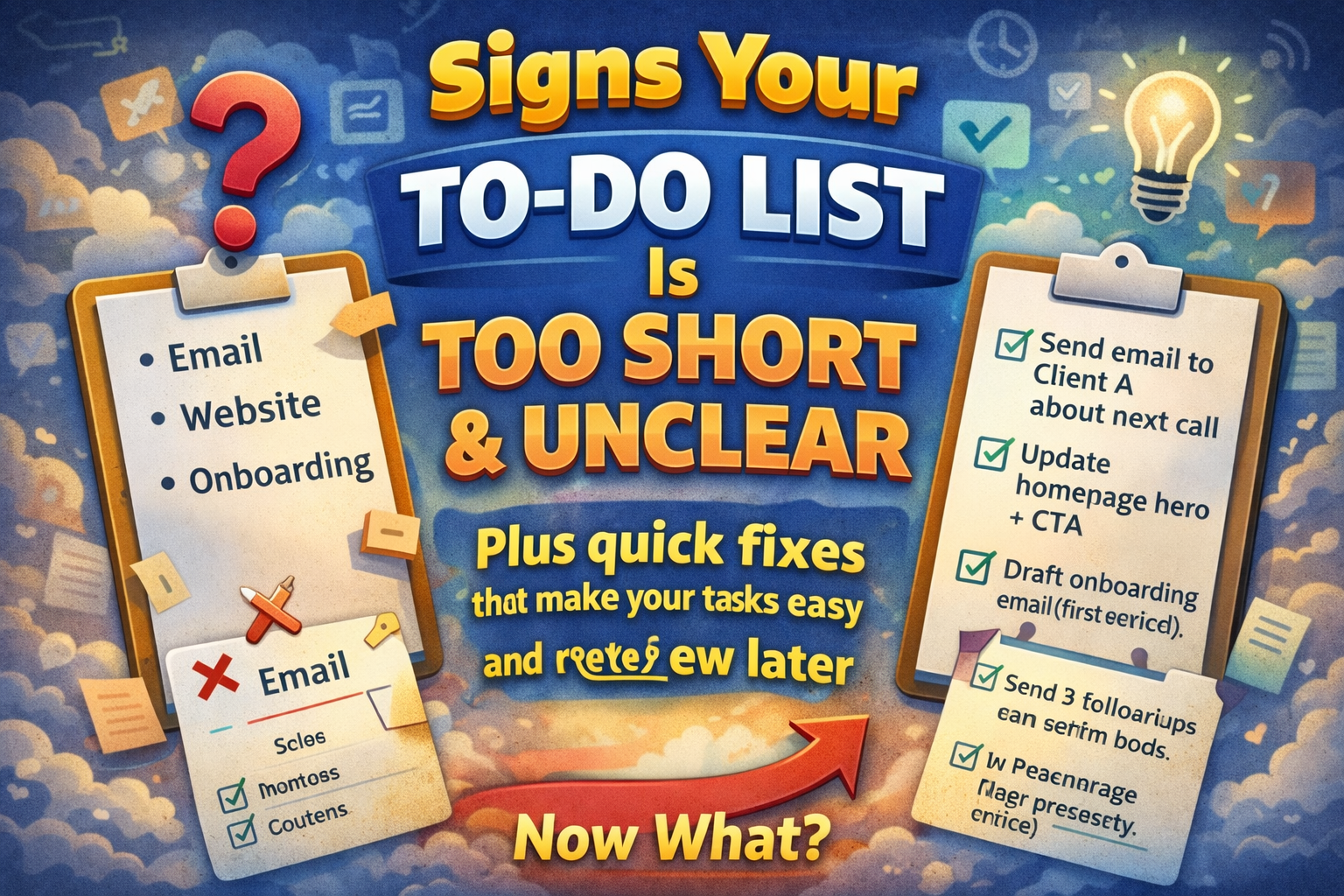
A "short" to-do list can look like progress.
It feels clean. It feels minimal. It feels manageable.
But sometimes "short" isn't focus — it's missing information.
And when tasks are too short, they become unclear. You spend more time re-deciding what to do than actually doing it. Then when you review your day or week, you can't even tell what happened.
Here are the clearest signs your to-do list is too short and unclear — plus quick fixes that make your tasks easy to execute and easy to review later.
1) Your list looks neat… but you still don't start
If your list is short but you still procrastinate, the problem is usually not volume.
It's that each item is vague, so your brain hesitates.
Too short: "Website"
Clear: "Update homepage hero headline + CTA"
Fix: add the missing "what exactly?"
2) Your tasks are mostly one-word items
One-word tasks force you to interpret them every time you read them.
- "Email"
- "Sales"
- "Invoices"
- "Content"
- "Bug"
They don't tell you an action.
Fix: rewrite one-word tasks into Verb + Object:
- "Email" → "Reply to Client A about timeline"
- "Sales" → "Send 3 follow-ups to warm leads"
- "Content" → "Write outline for new article"
3) You keep asking yourself: "What did I mean by this?"
This is the most obvious sign.
If you need to decode your own task list, it's too short.
Too short: "Call"
Clear: "Call John (confirm Friday meeting time)"
Fix: add a 3–5 word context note in parentheses: who + why.
4) Tasks don't include a finish line
Short tasks often don't define "done."
So they expand, drag on, or get moved to tomorrow.
Too short: "Landing page"
Clear: "Rewrite hero headline + add 3 benefit bullets + publish"
Fix: add an outcome that you can review later.
5) Your list has only 3–5 items, but each one is secretly a project
Short lists often hide big work.
Examples:
- "Launch"
- "Build feature"
- "Redesign"
- "Marketing"
- "Onboarding"
These aren't tasks. They're containers.
Fix: break "project tasks" into 30–90 minute actions:
"Launch" →
- "Write launch checklist"
- "QA checkout flow (desktop + mobile)"
- "Draft announcement post (headline + 5 bullets)"
6) You finish the day but can't explain what you actually achieved
A short list without clarity doesn't leave a story trail.
You might have worked hard, but your log looks like this:
- "Email"
- "Website"
- "Admin"
That's not reviewable.
Fix: rewrite tasks to show output:
- "Email" → "Send invoice + confirm next call"
- "Admin" → "Pay hosting invoice + file receipts"
Now your day makes sense when you look back.
7) You keep "working on" the same short tasks for days
If a short task survives multiple days, it's not specific enough.
Too short: "Onboarding" (repeated daily)
Clear: "Draft onboarding email #1 (subject + body + CTA)"
Fix: pick the next deliverable.
8) You constantly context-switch because tasks don't guide execution
When tasks are unclear, you bounce between them to "figure them out."
That feels like productivity, but it's mostly decision-making.
Fix: make tasks executable in one read by using:
Verb + Object + Outcome
Example:
"Review stats → pick 1 experiment → write next steps"
9) You rely on memory to fill in the details
Short tasks often mean: "I'll remember."
You won't. Or you'll remember partially, at the worst time.
Fix: add a tiny "memory anchor":
- "Follow up" → "Follow up with Client B (waiting on images)"
- "Call" → "Call supplier (delivery date for order #1842)"
This is especially powerful for weekly/monthly reviews.
10) Your weekly review is confusing
If your list is too short, your history becomes unreadable.
You can't tell:
- what you shipped
- what blocked you
- what repeated
- what to fix next week
Fix: end the day with two lines:
- Wins: 1–3 bullets
- Open loops: 1–3 bullets
That turns even a simple task list into a clear timeline.
The "Upgrade Rule" (simple and brutal)
If a task is so short that it wouldn't make sense 7 days later, rewrite it.
A quick checklist for rewriting short tasks
Take any short item and add just one layer:
- Verb (action)
- Object (what you're changing)
- Outcome (what "done" looks like)
- Context (optional: who/why)
Examples
- "Emails" → "Clear inbox to 0 (reply to top 10 + archive rest)"
- "Content" → "Write outline: title + 7 headings + 3 bullets each"
- "Bug" → "Fix mobile menu overlap on iPhone (header z-index)"
- "Admin" → "Pay invoice + update spreadsheet totals"
Why this matters for planning + reviews
A short list is great when it's clear.
But when it's short and unclear, it creates:
- decision fatigue
- procrastination
- poor reviews
- repeated weeks
Clear tasks aren't just easier to do.
They're easier to review, which is how you actually improve over time.

AI Powered Task Manager
Plan smarter, execute faster, achieve more
Create tasks in seconds, generate AI-powered plans, and review progress with intelligent summaries. Perfect for individuals and teams who want to stay organized without complexity.
Get started with your preferred account