Pen & Paper vs. Digital Task Managers: What Actually Helps You Get Things Done?
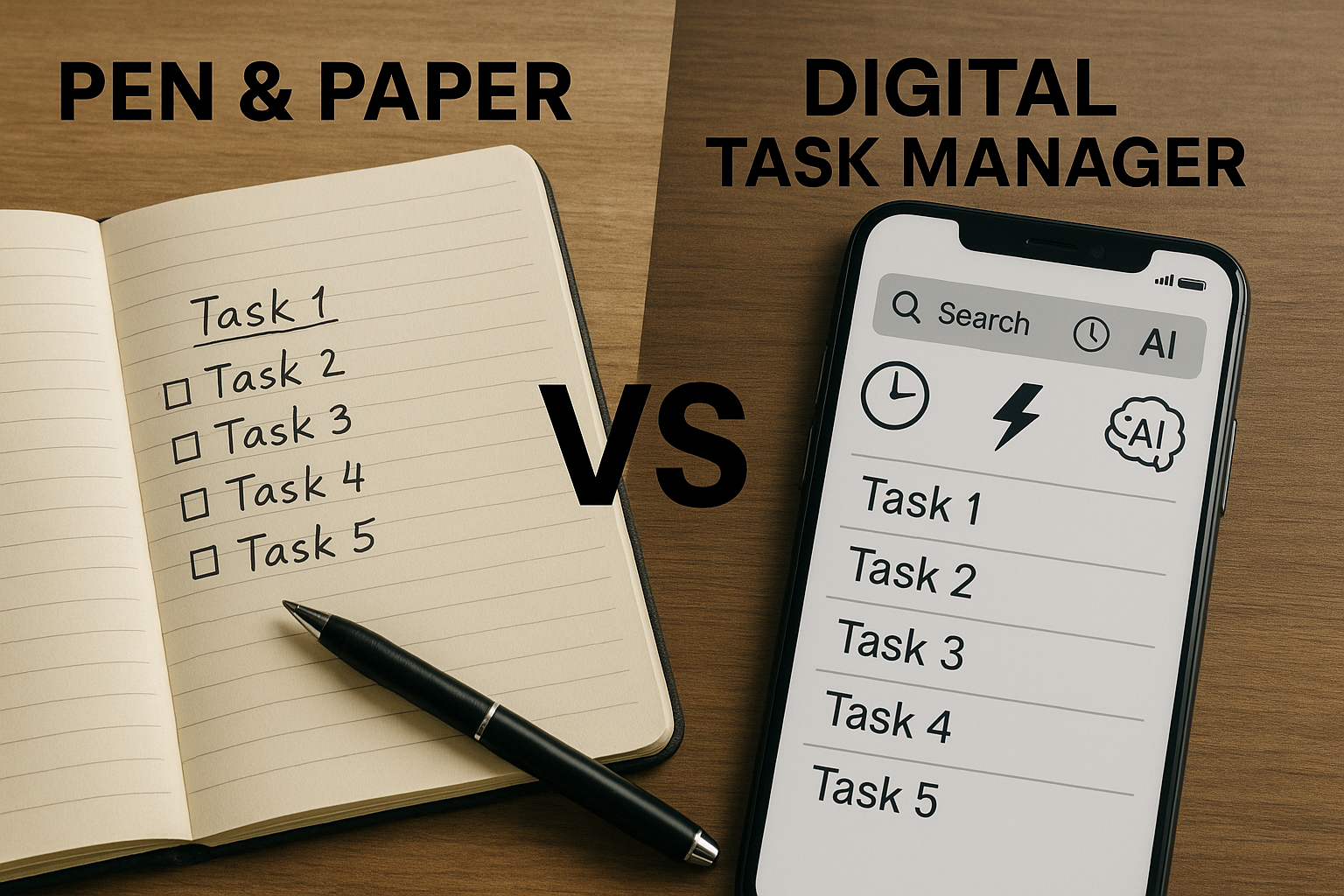
If you've ever wondered whether a notebook or a task app will make you more productive, the answer is: it depends on the kind of work you're doing. Pen & paper excels at focus and conceptual thinking. Digital wins when you need to find, remember, move fast, and leverage AI.
Below is a practical comparison, backed by studies, with clear takeaways for everyday planning.
When Pen & Paper Wins
Deeper processing, fewer distractions. Classic research shows that handwriting tends to encourage processing ideas in your own words, which can boost conceptual understanding—useful for thinking through tricky problems or clarifying priorities.
Why that matters for planning: sketching a weekly plan or brainstorming a project on paper can reduce the urge to multitask and help you see structure. Use paper to decide what matters—then move execution to digital.
Where Digital Pulls Ahead (and Why)
1) Search: Instantly find anything
Your brain is terrible at "where did I put that?" but software isn't. A digital manager gives you instant findability across tasks, notes, tags, dates, and projects. Beyond convenience, offloading "where things are" to external systems is a known cognitive strategy (transactive memory). We naturally remember where to look, not every detail.
Try this: keep all actionable items in one system and rely on global search for resurfacing. If it's not searchable, it's as good as lost.
2) Memory: Fewer things to "just remember"
Two kinds of memory drain you during busy weeks:
- Reference memory (facts, context, details)
- Prospective memory ("remember to do X at 4 pm at the client's office")
Digital tools are great at both. Studies on reminders and prospective memory show that app-based reminders (time and location) help people remember at the right moment—freeing your head for real work.
Try this: convert "don't forget" thoughts into dated tasks with alerts or geofenced reminders. Reserve your brain for strategy, not pinging yourself all day.
3) Speed: Capture, edit, and reorganize faster
Typing is typically faster than handwriting for most adults, and digital editing beats crossing out or rewriting. In multiple studies, typing outpaces pen speed; and once captured, digital tasks are effortless to reorder, batch-edit, and duplicate.
Try this: use quick-add, keyboard shortcuts, and templates. Fast capture lowers friction—and more captured tasks means fewer dropped balls.
4) AI: From raw tasks to smart decisions
AI changes the game entirely. Instead of a static list, you can get summaries, prioritization, conflict alerts, dependency checks, and even next-step suggestions—things no paper system can do at scale. And because modern memory is partly "knowing where to look," AI search and summarization amplify that effect.
Try this: let AI summarize yesterday, surface overdue items, propose a realistic plan for today, and flag what blocks what. Treat your app like a proactive chief of staff, not just a notebook.
A Simple Hybrid That Works
- Think on paper → Execute in digital. Use a notebook to sketch goals, clarify scope, and outline a week. Then move the concrete actions into your task app with dates, owners, and alerts.
- Use digital for everything that needs a timestamp, search, or collaboration. If others rely on you—or you rely on future-you—digital wins.
- Let AI do the busywork. Daily summaries, re-prioritization, and plan-for-today suggestions keep you honest and realistic.
Pitfalls to Watch For (Both Sides)
- Paper: hard to search, easy to misplace, no reminders; you'll rewrite the same task multiple times.
- Digital: distraction risk and the temptation to over-organize. Use a lean setup and rely on quick capture + daily review. (And remember, typing during learning can encourage verbatim capture—use paper when you need deep thinking.)
Bottom Line
- Choose pen & paper when you need focus and ideation.
- Choose digital when you need search, memory support (reminders), speed, and AI assist—which is most of execution.
If you want a setup that pairs both worlds, Self-Manager leans into the digital strengths above: fast capture, powerful search, reminders, and AI summaries that turn messy to-dos into a clear plan for the day and week. (Use a paper sketch to frame your goals—then let the app do the heavy lifting.)
Key Takeaways
- Handwriting encourages deeper conceptual processing—use it for planning and ideation
- Digital excels at search, reminders, speed, and AI-powered insights
- A hybrid approach works best: sketch on paper, execute digitally
- Digital tools offload "where things are" so your brain can focus on strategy
- AI transforms static task lists into intelligent, proactive planning assistants
- Fast capture and global search eliminate the "where did I write that?" problem
Ready to Experience Digital Task Management with AI?
Try Self-Manager.net's 7-day free trial—no credit card required. Experience fast capture, powerful search, smart reminders, and AI summaries that help you plan your day and week with clarity.
Simple pricing: $5/month Individual or $20/month Team with unlimited collaborators.

AI Powered Task Manager
Plan smarter, execute faster, achieve more
Create tasks in seconds, generate AI-powered plans, and review progress with intelligent summaries. Perfect for individuals and teams who want to stay organized without complexity.
Get started with your preferred account