Is a Calendar App Enough for Task Management? Pros, Cons and a Hybrid Approach
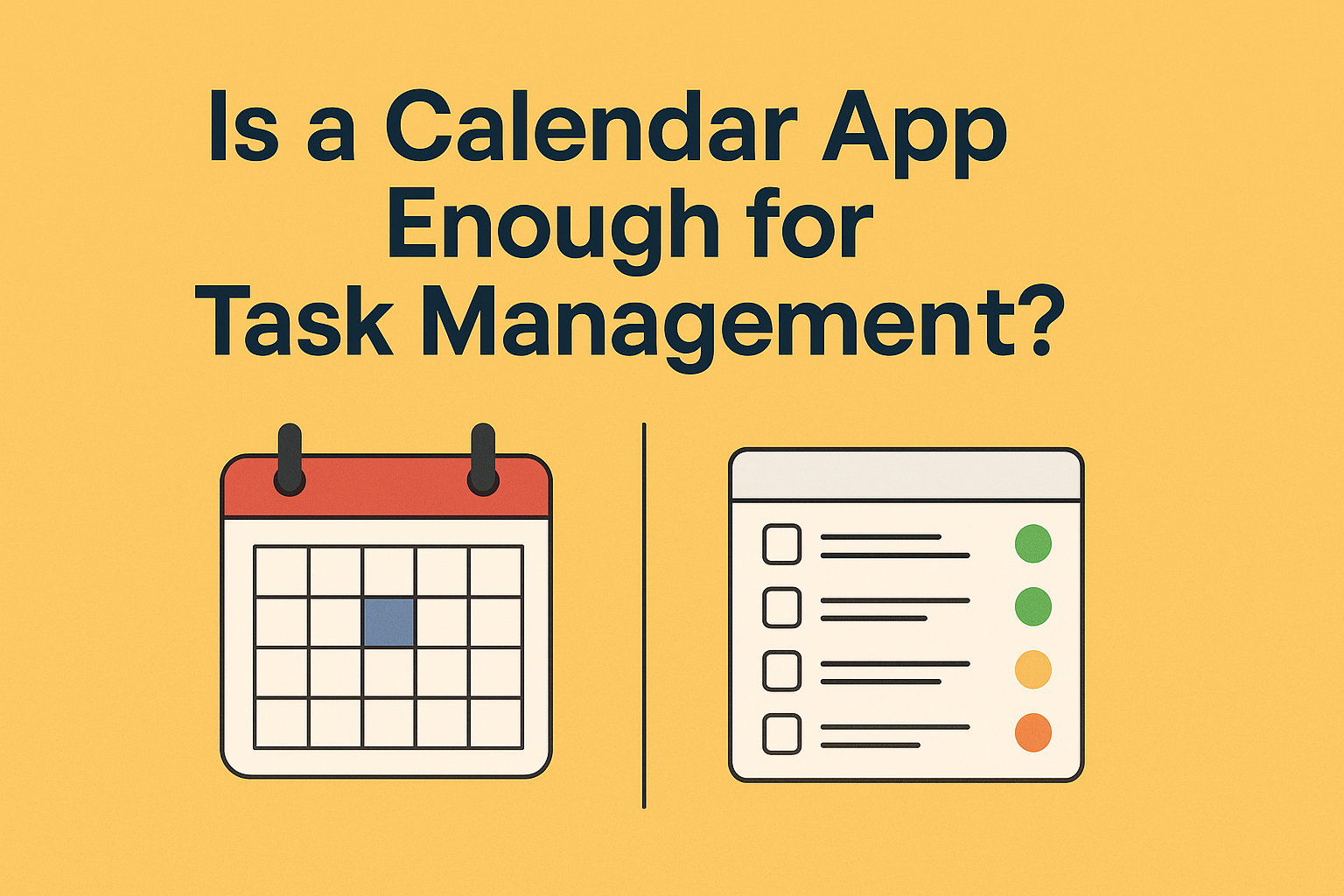
If you've ever tried to run your life out of a calendar app, you're not alone.
For many people, the calendar becomes the default productivity tool: meetings, reminders, birthdays, deadlines… everything lives there. But at some point you hit a wall:
- The day looks full, but did you actually move any important work forward?
- You have events, but not the steps needed to make those events successful.
- You're juggling tasks in notes, email and your head because the calendar can't hold it all.
So is a calendar app enough for task management? Short answer: it's great for some things, terrible for others.
In this article, we'll look at:
- What calendars are genuinely great at
- Where they fail as task managers
- How task managers try to fix this (but create other problems)
- A hybrid approach that combines the best of both
- How Self-Manager uses a "calendar + tasks in tables" model to solve this cleanly
What Calendar Apps Are Great At
Let's give calendars credit where it's due.
1. Time Awareness
A calendar is built around time:
- You see your day, week or month at a glance
- You can't lie to yourself about how many hours you actually have
- It's obvious when you're overbooked
This is something most plain task lists can't show well.
2. Commitments That Involve Other People
Calendars shine when:
- You have meetings
- Calls and appointments
- Deadlines that can't be moved easily
Anything time-bound and collaborative fits perfectly in a calendar.
3. Routines and Recurring Events
Want to block:
- Gym three times a week
- Deep work blocks
- Weekly reviews
Calendars handle recurring items naturally. You set them once; they repeat.
So far so good. If all you needed was to remember where to be and when, a calendar would be enough.
Where Calendars Fail as Task Managers
The trouble starts when you try to turn your calendar into a full task system.
1. Events Are Not Tasks
A calendar event is:
- A block of time
- A title
- Maybe a description and location
A task is:
- Something that may require multiple steps
- Depends on context, resources, and decisions
- Doesn't always map neatly into a time slot
You can create events like "Work on website" or "Do project tasks", but they don't tell you:
- Which tasks exactly?
- In what order?
- What's blocking progress?
You quickly end up with vague blocks that don't guide your actions.
2. No Good Way to Represent State
Tasks have states:
- Not started / in progress / blocked / done
- Priority levels
- Links to files, comments, sub-tasks
Calendar events are mostly binary: it's happening or it's not.
Trying to manage real work with only events is like trying to run a project using only meeting invites.
3. No Real History of What You Actually Did
Yes, the calendar shows what was scheduled. But did you actually do the work during that block?
Calendars don't:
- Track completion per task
- Track time per task
- Show progress across days/weeks clearly
- Give you meaningful metrics like "what did I finish this week?"
You see blocks, not outcomes.
What Task Managers Do Better (But Where They Struggle)
On the other side, you have task managers and project tools (lists, boards, etc.).
What They Do Well
- Let you break work into clear, granular tasks
- Track priority, status, tags, assignees
- Group tasks into projects, clients, areas of life
- Track progress and completion
Perfect for answering:
"What needs to be done?"
Where They Fall Short
Most task managers are weak on time:
- Tasks float on lists and boards without a strong sense of when they will happen
- Due dates become meaningless when everything is "due today"
- You can have a "productive list" but still overschedule your day
This is why many people juggle both:
- Calendar for time
- Task app for work
- Notes app for context
- And their brain to connect it all (which doesn't scale)
The Hybrid Approach: Calendar + Structured Tasks
The real solution is not choosing one over the other, but combining them.
A good hybrid system gives you:
- The time awareness of a calendar
- The clarity and structure of a task manager
- A way for both to stay in sync without extra busywork
One way to think about it:
- Use the calendar for when and constraints: meetings, fixed events, deep work blocks, deadlines.
- Use tasks for what you'll actually do inside that time.
Your day might look like this:
- 09:00–11:00 – Deep work block
- Inside that block: 4–5 specific tasks from your task manager
- 14:00–15:00 – Client call
- Follow-up tasks from the call go into your task manager, scheduled for specific days
Instead of everything living in one app, each part does what it does best—but without creating more complexity.
How Self-Manager Implements the Hybrid Model
Self-Manager was designed from the start around a simple idea:
Every task lives on a date.
It's not "just a calendar" and it's not "just a list." It's tables of tasks tied to days, with time and AI layered on top.
Here's how that solves the calendar vs task manager problem.
1. Tasks Are Stored in Tables Attached to Days
Instead of a floating list, you create a table for a specific day (or for a project that still anchors to dates).
Each table can contain:
- Tasks with status, priority, time tracking
- Notes and comments
- Links and context
- Logs of actions (if enabled)
So you get the structure of a task manager, but everything is still connected to the calendar dimension.
This means:
- You can always answer: "What happened on this particular day?"
- You don't lose sight of time like in board-only tools.
2. You Can Still See a Week or Month Like a Calendar
Self-Manager lets you:
- View your week or month
- See completion percentage per day
- See total time spent each day
- See how many tasks and comments you had
This is the calendar perspective—but fed with real task data, not just events.
3. Planning Becomes "Fill the Day with Realistic Tasks"
With Self-Manager, planning your week is:
- Look at your calendar constraints (meetings, fixed events).
- For each day, open the daily table.
- Add tasks to that day, considering how much real time you have.
- Track them as you go with status + time.
So you're always reconciling:
- What the calendar says you can do
- With what your task tables say you want to do
Where AI Makes the Hybrid System Even More Powerful
Because Self-Manager is date-centric and rich in metadata, AI can do things neither a pure calendar nor a pure task list can do on its own.
AI Reviews for Weeks and Months
You can pick a week or month and ask AI to:
- Review what you actually did
- Highlight where your time really went
- Show which days were overloaded vs balanced
- Suggest how to adjust your upcoming week
This uses both sides:
- Calendar-like time structure (days, weeks, months)
- Task-level detail (completion, status, priority, time tracking, notes)
Turn Notes and Events into Tasks Automatically
Had a long meeting?
- Paste your notes
- Let AI turn them into actionable tasks in the right daily table
Now your calendar event has real follow-up work attached to specific days.
Pros & Cons: Calendar-Only vs Hybrid
Calendar-Only Task Management
Pros
- Simple, one tool
- Great for meetings & fixed events
- Easy to see time blocks
Cons
- Tasks are vague ("work on X")
- No good state tracking (blocked, in progress, done)
- Hard to track what actually got completed
- No structured history of work
Hybrid (Calendar + Tasks in Tables, like Self-Manager)
Pros
- Clear view of time and work together
- Tasks are concrete, with status, priority and time tracking
- Easier weekly/monthly reviews
- AI can analyze both your schedule and your real activity
- Better long-term history and learning
Cons
- Slightly more setup than "just using the calendar"
- Requires a short habit of assigning tasks to days (which becomes natural once you see the benefits)
So… Is a Calendar App Enough?
If your life is mostly:
- A few meetings
- A couple of simple responsibilities
- Minimal moving parts
…then yes, a calendar might be enough.
But if you:
- Juggle multiple projects
- Need to balance deep work with meetings
- Want to understand where your time really goes
- Care about improving week over week
…then calendar-only quickly hits its limits.
A hybrid approach—like the one Self-Manager uses with calendar + tasks in tables + AI reviews—gives you a much clearer picture:
- What you planned
- What you actually did
- What should change next week
Try the Hybrid Approach in Practice
Here's a simple way to test it:
- Pick one week.
- Add your events (meetings, appointments) to your normal calendar.
- In Self-Manager, create daily tables for that week.
- Add 3–7 specific tasks for each day.
- Track status and time as you go.
- At the end of the week, run an AI review.
See how it feels compared to living only in your calendar.
If you end that week with more clarity, better decisions, and less chaos, you've just proven to yourself that a calendar app alone isn't enough—and that a hybrid system can be a real upgrade.
Key Takeaways
- Calendars excel at time awareness: Great for meetings, appointments, and seeing when you're overbooked
- Events are not tasks: Calendar blocks can't represent state, progress, or the steps needed to complete work
- Task managers are weak on time: Tasks float without a strong sense of when they'll happen
- Hybrid approach wins: Use calendar for constraints and tasks for the actual work inside that time
- Date-centric structure: Self-Manager ties tasks to days, giving you both calendar awareness and task clarity
- AI amplifies the hybrid model: Weekly reviews and automatic task creation work best with rich, time-anchored data

AI Powered Task Manager
Plan smarter, execute faster, achieve more
Create tasks in seconds, generate AI-powered plans, and review progress with intelligent summaries. Perfect for individuals and teams who want to stay organized without complexity.
Get started with your preferred account