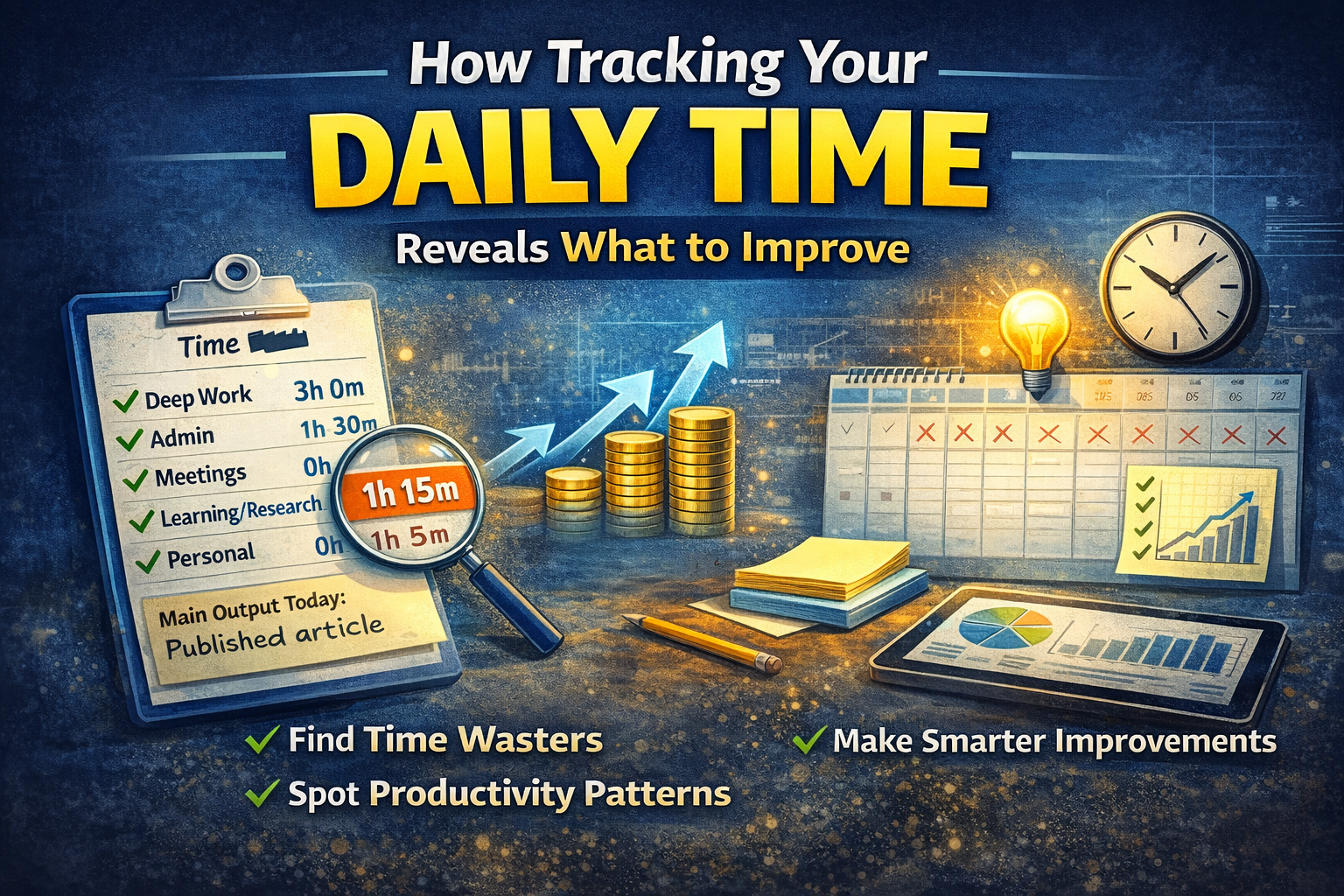
How Tracking Your Daily Time Reveals What to Improve (And What to Stop Doing)
Most people don't have a productivity problem.
They have a visibility problem.
They feel busy, but they don't know:
- where the hours actually went
- what produced results
- what was pure noise
- what keeps stealing focus every day
That's why a short period of time tracking (even just 7–14 days) can change your output more than any new app or motivation trick.
Because once you can see the truth, improvement becomes obvious.
What "daily time tracking" really means
This isn't about tracking every second.
It's simply logging, each day:
- what you spent time on (in buckets)
- roughly how long it took
- what it produced (outcome)
The goal isn't control.
The goal is pattern detection.
Why time tracking works so well (the 3 big benefits)
1) It exposes invisible time leaks
Most wasted time is not obvious in the moment:
- "quick checks" (messages, social, analytics)
- tab switching
- "small tasks" that expand
- micro-research rabbit holes
You don't notice it while it's happening.
But when you look at your week, it's impossible to ignore.
2) It separates "movement" from "progress"
A day full of activity can still produce nothing that matters.
Time tracking forces you to ask:
What did this block create?
- Did it ship something?
- Did it reduce future work?
- Did it move the business forward?
This is how you stop being busy and start being effective.
3) It reveals your highest-leverage work
After 1–2 weeks, you'll see:
- which tasks consistently create outcomes
- which tasks correlate with real progress
- which work you should protect with a daily block
It's like finding your personal "ROI."
The simple method: 7–14 day Time Audit
Step 1: Pick your audit window
- 7 days = quick insights
- 14 days = better accuracy (captures more real-life variation)
Step 2: Track only 6 categories
Keep it simple. Use categories like:
- Deep work (building/creating)
- Admin (email, scheduling, paperwork)
- Meetings/calls
- Learning/research
- Personal (life errands, health, family)
- Distraction (scrolling, random browsing, unplanned switching)
You can rename these to fit your life.
Step 3: Log twice per day (not constantly)
- midday: rough estimate so far
- end of day: finalize totals
This avoids obsessive tracking.
Step 4: Add one "outcome" line per day
At the end of the day write:
Main output today: __________________
Even one sentence.
This is the key that connects time to results.
The 80/20 analysis (where the magic happens)
After your audit window, answer these:
1) What are my top 3 time categories?
This tells you what your life currently prioritizes.
2) What was the highest "output per hour" work?
Which category produced real results?
That's your leverage zone.
Protect it.
3) What is the biggest low-value sink?
One category will usually stand out:
- distractions
- excessive admin
- meetings
- "research" that's actually avoidance
That's your first target.
4) What can I reduce, batch, automate, or delete?
This turns the audit into action.
What to do with the results (simple improvements)
If admin is too high:
- schedule an Admin Day weekly
- batch email into 2–3 windows/day
- use templates for repeated replies
If distractions are too high:
- remove notifications
- block the worst apps/sites during deep work
- add a "Research Parking Lot" list
If deep work is too low:
- create a protected daily block (60–120 min)
- do it before messages
If meetings are too high:
- compress them into 2 days
- introduce meeting rules (agenda, decision required)
- default to async updates
A copy/paste daily tracker
Date: ________
Time totals
- Deep work: ___h ___m
- Admin: ___h ___m
- Meetings: ___h ___m
- Learning/research: ___h ___m
- Personal/life: ___h ___m
- Distraction: ___h ___m
Main output today: __________________
Biggest time leak today: __________________
Fix for tomorrow: __________________
Why this changes behavior automatically
The moment you track something, it improves—because your brain stops lying to itself.
You start asking:
- "Is this worth the next 30 minutes?"
- "Is this moving anything forward?"
- "Should this be batched on Admin Day instead?"
Time tracking creates self-correction.
Where Self-Manager.net fits
Time tracking becomes far more valuable when it's attached to the day, alongside:
- tasks you planned
- tasks you actually completed
- notes about distractions or leaks
- a short daily review
That turns time tracking from "numbers" into learning:
- what to stop
- what to protect
- what to repeat next week
Over time, your system becomes smarter because it's built on your own data.
7-day challenge (easy version)
For 7 days:
- track time in 6 categories
- write 1 sentence: "Main output today"
- make 1 change the next day based on what you saw
After a week, you'll know exactly:
- what wastes your time
- what produces results
- what deserves a protected block

AI Powered Task Manager
Plan smarter, execute faster, achieve more
Create tasks in seconds, generate AI-powered plans, and review progress with intelligent summaries. Perfect for individuals and teams who want to stay organized without complexity.
Get started with your preferred account