From Analog to Digital: How Pen and Paper Shaped My Task Management System
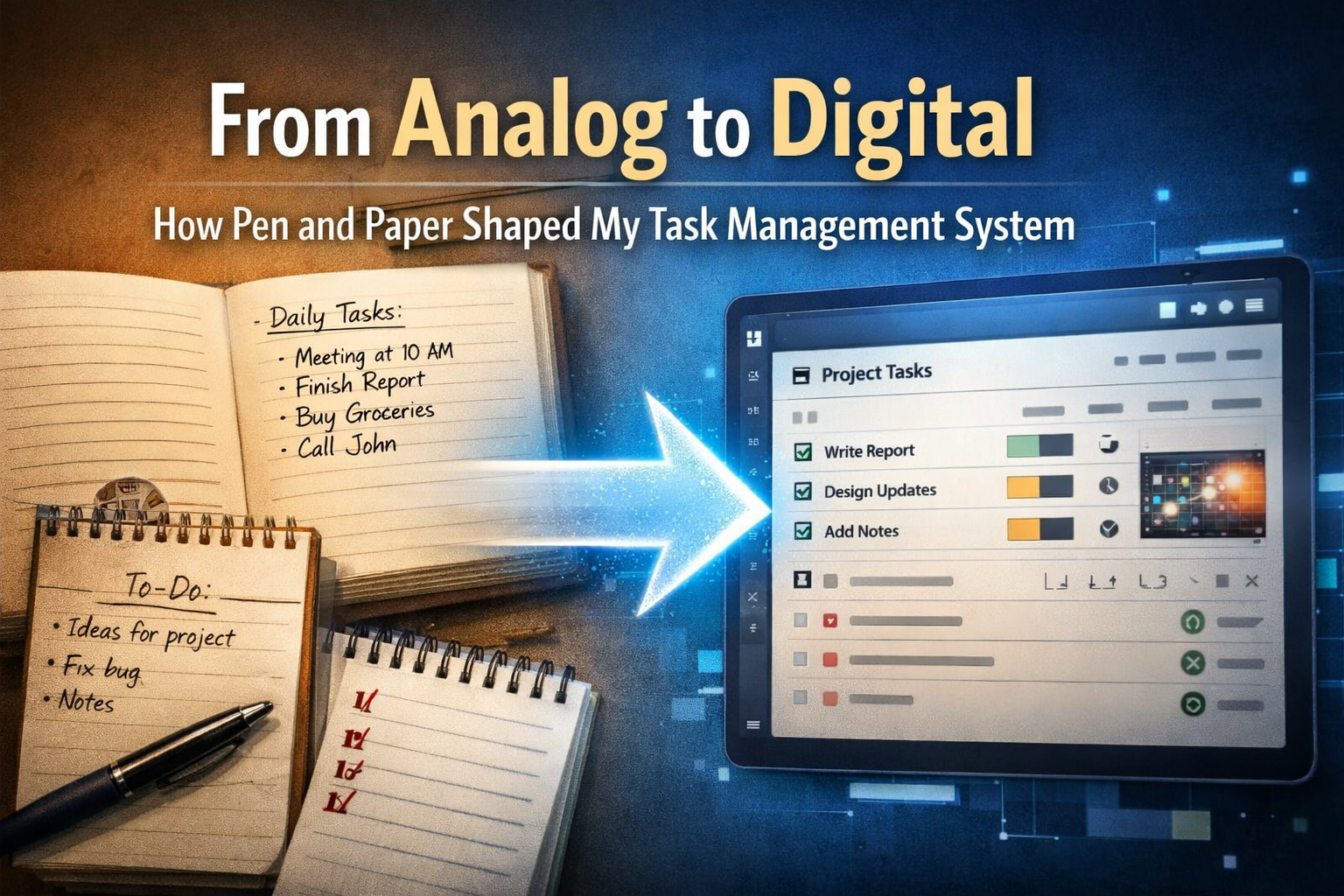
Before I used any digital task or project management app, I already had a system.
It wasn't fancy. It wasn't "optimized." It was simply pen and paper, split across three physical tools:
- A calendar for future events
- An agenda for my main daily tasks
- A notebook for small to-dos, quick notes, and everything I didn't want to forget
Looking back, that was absolutely an analog system: information stored in a physical medium, updated by hand, and "computed" by my own attention and routines.
And that analog system became the blueprint for the task and project manager app I later built.
What made the pen-and-paper system work
Most people think pen and paper is "old-school." I think it's structured.
It worked because it naturally separated my life into three layers:
1) The calendar: the future layer
The calendar was where I put events that must happen on a certain date: meetings, travel, deadlines, personal commitments.
It made time real. You can't scroll forever. You see the month, you see the week, you see what's coming.
2) The agenda: the "today matters" layer
The agenda was for the day-to-day. Not everything—just the main tasks I actually wanted to finish.
This created a daily focus: a short list I could look at quickly, multiple times per day.
3) The notebook: the capture layer
The notebook was the messy part—in a good way.
Random to-dos. Ideas. Notes from calls. Small tasks that didn't deserve the "main list" but still mattered.
That capture layer is underrated. Without it, your brain keeps trying to remember everything… and that drains energy.
The hidden advantage: paper forces context
Paper isn't just "analog." It's also physical.
You remember where something was written. You remember the page. You remember the messy corner note you added later. That's context your brain can latch onto.
A lot of research suggests handwriting can support memory and learning compared to typing—likely because handwriting engages motor and sensory processing in a richer way.
Even if you don't care about "brain science," you can feel this in real life:
- Writing something down makes it feel more real.
- Reviewing on paper is frictionless: open it and scan.
- There are no notifications competing for attention.
So yes: pen and paper is an analog system. But it's also a human-friendly interface.
Where many digital tools lose the plot
When I started using digital task management tools, I noticed a pattern:
They were great at storing tasks… but weak at answering a simple question:
"What happened on what day?"
A lot of tools push you into endless boards, endless lists, endless projects—without strong time awareness.
But most people don't live as "projects." They live as days.
- A day has meetings
- A day has deep work
- A day has interruptions
- A day has momentum (or none)
When tools ignore time, your history becomes fuzzy. Your progress becomes hard to measure. Your planning becomes detached from reality.
The principle I kept: time-awareness first
My pen-and-paper system didn't "track projects." It tracked time, and projects were placed inside time.
That became my core rule when I designed my own approach:
Everything belongs to a date.
Instead of endless boards, I wanted a structure where each day could hold real work in a way that's easy to revisit later.
This idea isn't unique to me. The Bullet Journal method describes itself as an analog system built to "track the past, organize the present, and plan for the future," and it's heavily built around time-based logs (future/monthly/daily).
My version simply pushed that idea deeper into a digital-first workflow.
Translating the analog blueprint into a digital system
Here's how the pen-and-paper logic became a digital structure.
Dates as the foundation
Instead of treating tasks as floating objects, the system treats them as belonging to a day.
That changes everything, because it makes the system naturally answer questions like:
- "What did I actually do last Tuesday?"
- "When did this project start getting real attention?"
- "Which week was productive, and which week was chaos?"
Tables (projects) assigned to dates
In my approach, every table (think: a project or a work area) is assigned to a date.
- A day can contain unlimited tables
- A table can contain unlimited tasks
That might sound simple, but it removes a lot of friction:
You don't need to fight a structure to match your real work. If you worked on five different things today, that's normal. Your system should reflect that.
Rich tables: not just tasks
Pen and paper naturally mixes tasks, notes, and context on the same page.
So in the digital version, a table can include:
- images
- comments
- notes
Because real work is rarely "task-only." Context matters.
Tasks with lightweight scoring and reality tracking
On paper, I'd often mark tasks with little cues: urgency, effort, "half done," etc.
Digitally, I wanted that same fast clarity without heavy process, so tasks have:
- completion status (0–5)
- timestamps for time tracking
- priority (0–5)
This makes it easy to understand your workload at a glance, and it gives you data to look back on later.
Why "history" matters more than people think
Here's a truth I learned the hard way:
Most people don't fail because they can't plan. They fail because they can't review.
If you don't regularly look back, you don't learn:
- what derailed you
- what gave you momentum
- what was a waste of time
- what's silently becoming a long-term problem
On paper, reviewing is natural. You flip pages. You see patterns.
Digitally, reviewing is often missing—or buried behind filters, dashboards, and "productivity theater."
A date-centric system makes reviewing feel obvious:
- Navigate back through days
- See what happened on what day
- Notice patterns without effort
That's one of the biggest reasons I kept using this approach daily: it makes your life traceable.
The "analog mindset" I didn't want to lose
Even when you go digital, there are a few analog strengths worth preserving:
1) Constraints create focus
A page has limits. That's a feature.
Digitally, it's easy to create infinite lists and infinite "someday tasks." A time-aware layout forces reality.
2) Capture should be fast
A notebook is fast. If capture becomes slow, you stop capturing—and then your brain becomes your inbox again.
3) Planning needs a feedback loop
Planning without review becomes fantasy. Pen and paper nudges review because the past is physically visible.
So when I built digitally, I wanted review to be a first-class behavior, not an optional feature.
Where AI fits (and where it doesn't)
At the beginning of this year, I added AI features to bring "intelligence on demand" to personal data.
But I want to be clear about something:
AI only becomes valuable after your data has structure.
If your tasks are scattered across boards and lists with no time context, AI can summarize… but it can't reliably help you understand your life.
When your work is organized around dates, AI can do useful things like:
- summarize a week or month in a way that matches reality
- highlight unfinished threads
- help you reflect, not just "optimize"
- support follow-up conversations based on what you actually did
In other words: the analog system gave me the structure. Digital made it scalable. AI made it easier to extract meaning—without losing the human part.
The real takeaway
This isn't a story about abandoning pen and paper.
It's a story about respecting what worked, understanding why it worked, and translating the logic into something digital that still feels human.
Pen and paper was my first task management system.
Not because it was trendy—but because it matched how life actually happens:
- in days
- with context
- with history
- with review
And that's the mindset that shaped everything I built afterward.
If you've ever felt like modern task tools make you manage the tool instead of your time, try going back to the fundamentals:
Future → Today → Capture → Review
Whether you do it on paper, digitally, or with a hybrid approach—the fundamentals don't change.

AI Powered Task Manager
Plan smarter, execute faster, achieve more
Create tasks in seconds, generate AI-powered plans, and review progress with intelligent summaries. Perfect for individuals and teams who want to stay organized without complexity.
Get started with your preferred account