AI Task Management for Overwhelmed Knowledge Workers (Without Changing Your Whole System)
If you’re a knowledge worker today, your “work” is scattered everywhere:
- Action items buried in long email threads
- Meeting notes in Docs or Notion
- Events and deadlines in your calendar
- Ideas and quick notes in a dozen different apps
You’re not short on tools. You’re short on a single brain that pulls everything together and tells you:
“These are the 5 things that matter today.”
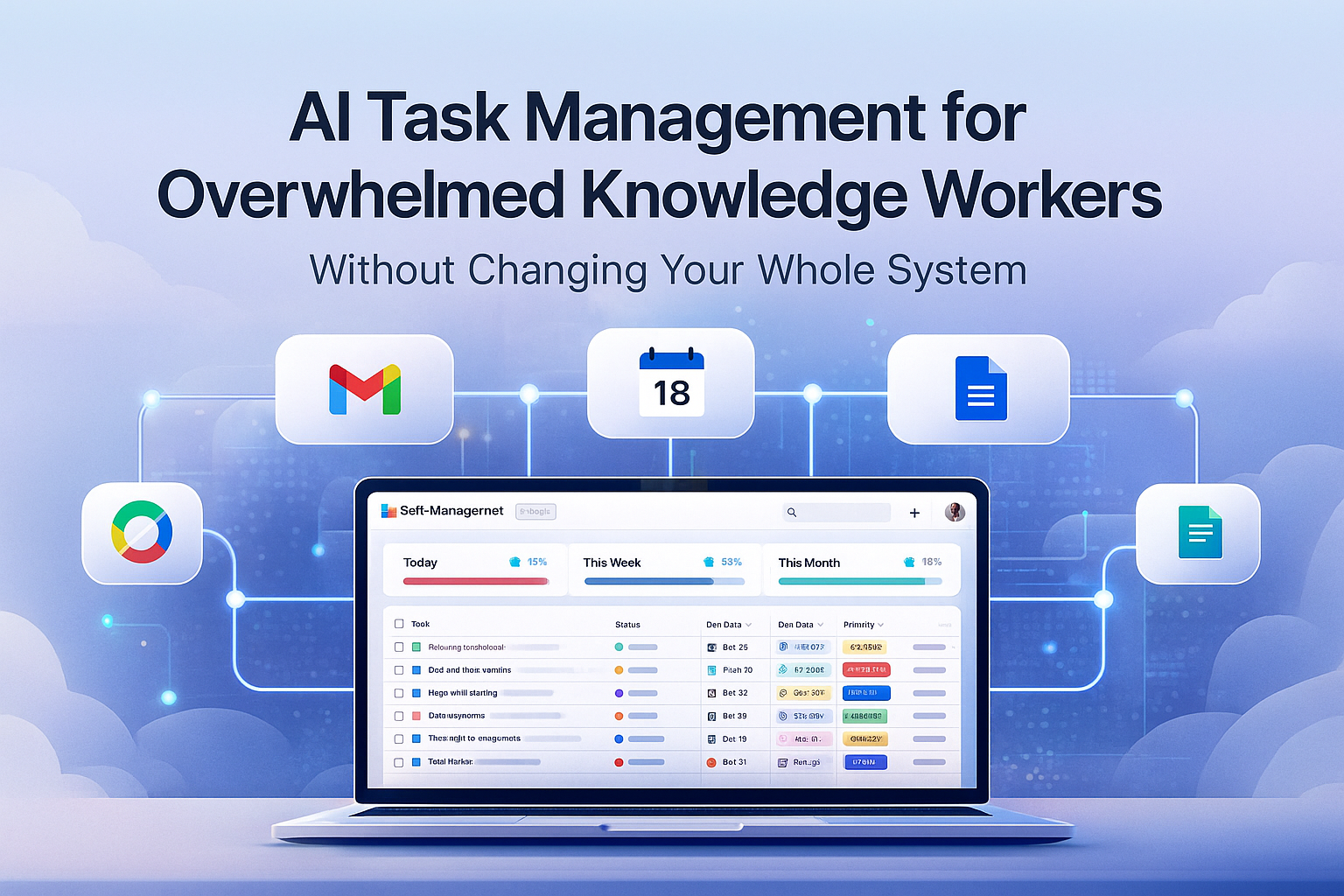
That’s where an AI task manager for knowledge workers comes in—not to replace Gmail, your calendar, or your existing tools, but to sit on top of them and organize everything by date, priority, and focus.
Self-Manager.net was built to be exactly that: a calm, structured layer above the chaos.
The Real Problem: Work Is Everywhere, Not in One Place
Most task apps assume all your tasks magically live inside them.
In reality:
- A client asks for something in a long email thread
- Your manager mentions a new responsibility mid-meeting
- A deadline appears as a calendar invite, but nobody writes down the steps to get there
- A document gets comments that imply work, but no one turns them into tasks
So you end up doing mental gymnastics:
- “Did I reply to that?”
- “Where was that request again?”
- “What did we decide in that meeting?”
The result: overload, a sense of never being caught up, and a task list that’s always a few steps behind your real work.
What an AI Task Manager for Knowledge Workers Should Do
Instead of forcing you to abandon your tools, an AI task manager should:
- Capture work from where it already lives
Emails, notes, meeting summaries, docs — anything that implies “do this” should be convertible into tasks in seconds. - Organize everything by date and priority
Not just a flat list, but a clear timeline: what’s today, this week, this month. - Help you make decisions, not just store tasks
AI should help you prioritize, plan your day, and review your week. - Give you a big-picture view without extra effort
Show how much you did, where your time went, and what slipped through the cracks.
That’s the role Self-Manager.net plays: the brain on top of Gmail, calendar, and docs.
How Self-Manager.net Sits on Top of Your Existing Tools
You don’t need to migrate your whole life to a new platform. Instead, you use Self-Manager as the control center where important actions land.
1. From Emails to Dated Tasks
Have an email with a clear ask?
- Paste the email into Self-Manager
- Use AI to extract all action items and turn them into structured tasks
- Assign dates, priorities, and statuses
Now that email isn’t just “somewhere in the inbox” — it has become a concrete plan in your date-based timeline.
2. From Meetings and Docs to Projects
After a meeting or document review:
- Paste your rough notes or doc summary into Self-Manager
- Let AI generate a task list with clear steps, owners (optional), and suggested order
- Put those tasks into a table that represents the project
Over time, that table becomes the living representation of the project – while the original doc or notes stay where they are.
3. Calendar as Deadlines, Self-Manager as Execution
Your calendar is great for when something happens: calls, deadlines, events.
Self-Manager is great for what needs to happen before then.
- When you get a deadline, create a small project in Self-Manager
- Break it into tasks with dates leading up to that calendar event
- Let AI help you distribute work across days so you don’t stack everything on the last moment
Your calendar stays your time grid. Self-Manager becomes the plan that fills it.
Why Date-Centric Organization Matters for Knowledge Workers
Most apps give you a never-ending list. Self-Manager is built around days, weeks, and months.
For knowledge workers this matters because:
- Work doesn’t happen in isolation; it happens in time blocks
- You need to see what this week actually looks like across all projects
- You want to know how much you already committed to before saying yes to more
In Self-Manager.net you get:
- Daily views with tasks, time tracking, and completion percentage
- Weekly and monthly overviews that show:
- Total tasks
- Completion rate
- Total time logged
- Comments and collaboration activity
So instead of guessing “Was I productive this week?”, you see it clearly — and AI can summarize it for you.
AI as Your Second Brain (Not Your Boss)
Self-Manager’s AI features are designed to feel like a smart assistant who knows your workload, not a black box telling you what to do.
Here are a few powerful patterns for overwhelmed knowledge workers:
1. “Turn this into a plan”
Paste an email, meeting notes, or a messy brain dump and ask:
“Turn this into a task list with priorities for the next two weeks.”
AI will:
- Extract concrete tasks
- Suggest ordering and due dates
- Create structured entries in your table
2. “What should I focus on today?”
On a busy morning you can ask AI:
“Given my tasks and dates, what are the top 5 things I should do today?”
It will look at:
- Overdue items
- Today’s and tomorrow’s tasks
- Priorities and statuses
…and give you a focused short list, so you start the day with clarity instead of panic.
3. “Review my week”
At the end of a chaotic week, ask:
“Summarize what I accomplished this week and what I should improve next week.”
AI will use your real data from Self-Manager:
- Completed tasks
- Time logged
- Comments and notes
You get a human-readable weekly review in minutes—something most people intend to do but rarely have the energy for.
Concrete Workflows for Overwhelmed Knowledge Workers
Here are a few real scenarios where Self-Manager.net can quietly sit on top of your system:
Scenario 1: Inboxes That Never End
- You star or mark important emails
- Once or twice a day, you grab the key ones and paste their content into Self-Manager
- AI turns each into tasks and you assign dates
- Your inbox goes back to being communication, not your to-do list
Scenario 2: Too Many Parallel Projects
- Each project gets its own table in Self-Manager
- Tasks from docs, meetings, and emails land in the relevant table
- Weekly, you open the week view and see progress across all projects
- AI can generate a short status summary per project to share with stakeholders
Scenario 3: Constant Context Switching
- You start the day with AI giving you a short priority list
- During the day, anything new you receive (email, idea, request) goes into a quick “inbox table” in Self-Manager
- Later, you process that inbox table using AI to categorize and schedule tasks
- Your brain stops trying to remember everything at once
You Don’t Need to Replace Your Tools – Just Add a Brain
The goal of Self-Manager.net is not to be “yet another app” you have to fully migrate to. It’s to be the AI task manager for knowledge workers that:
- Accepts input from Gmail, calendar, docs, and other tools
- Organizes everything by date, priority, and project
- Helps you decide what matters each day
- Gives you reviews and insights without extra effort
Keep your existing stack. Let Self-Manager be the place where the important work gets captured, structured, and executed.
Try Self-Manager.net as Your AI Layer Above the Chaos
If you feel constantly overwhelmed by fragmented tasks spread across email, meetings, and documents, you don’t need a full system reboot. You need a smarter layer on top.
Self-Manager.net gives you:
- A date-centric task and project manager
- AI that understands your workload and helps you plan
- Week and month views that show what actually happened
- A calm, minimalist workspace designed for daily use

AI Powered Task Manager
Plan smarter, execute faster, achieve more
Create tasks in seconds, generate AI-powered plans, and review progress with intelligent summaries. Perfect for individuals and teams who want to stay organized without complexity.
Get started with your preferred account